
Laptop Processor Explained: Intel, AMD, Snapdragon, Apple Silicon & MediaTek

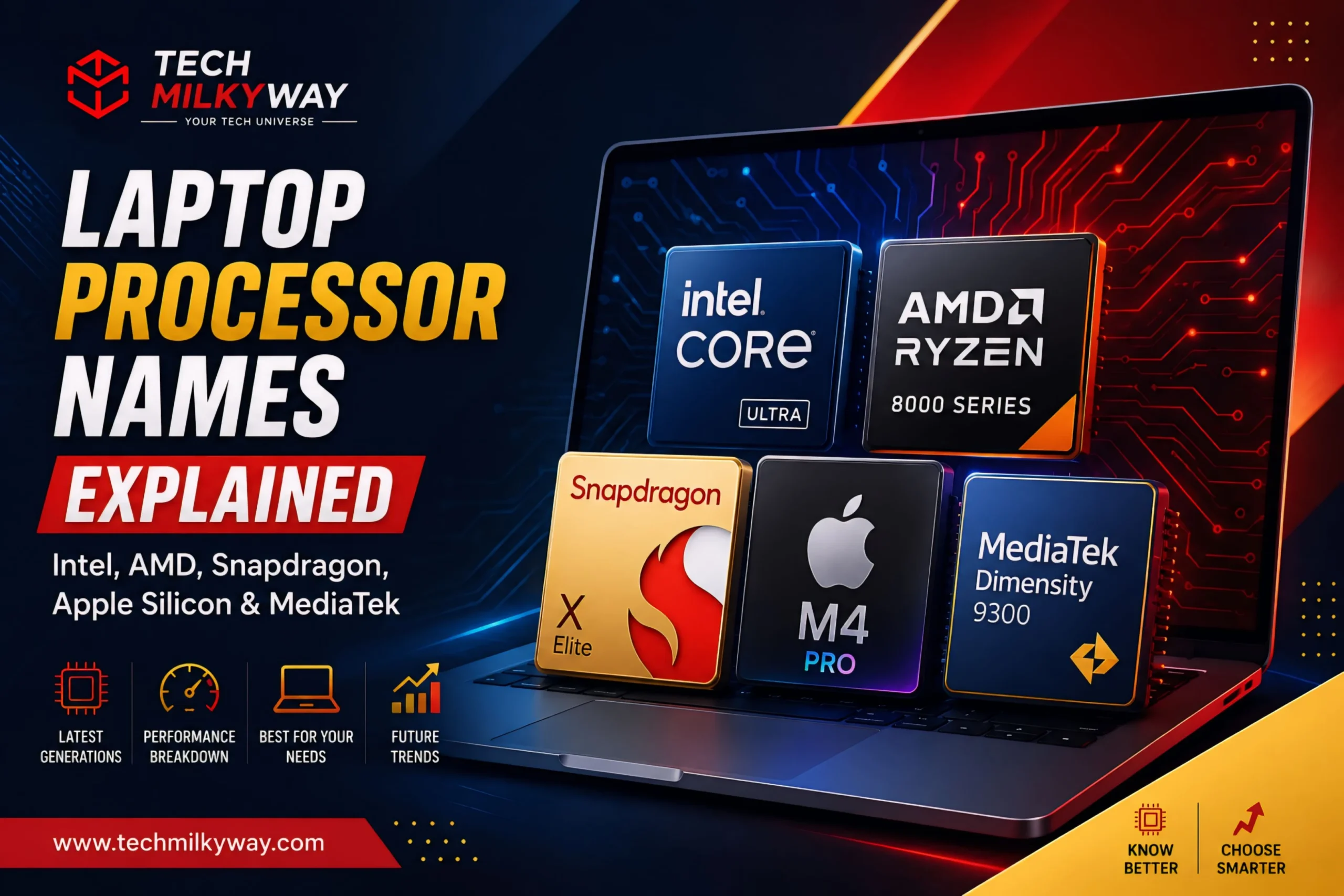
Quick Answer: Intel divided the laptop chip family into regular Core (i3/i5/i7) and more sophisticated, AI-powered Core Ultra (5/7/9, Series 1-3) divisions.
The tier numbers (3/5/7/9) of AMD’s Ryzen and Ryzen AI paired with the digit number for generation, followed by letters for power class (HX/H/U).
Tier numbers plus a descriptor like Plus, Elite and Elite Extreme distinguish Qualcomm’s Snapdragon X and X2 intended for Copilot+ on ARM.
Apple stays clear with an M number and Pro and Max suffixes.
Kompanio chips from MediaTek provide the processors for nearly every budget and mid-tier Chromebook, based on a numbering scheme crowned by “Kompanio Ultra.” As a rough guide, higher numbers and more recent generations give higher performance, but the letters at the end have significant weight alongside. Details follow for laptop processor explained.
Let’s be frank, we had to Google what ‘Core Ultra 7 256V’ actually signified when it turned up on the spec sheet of the laptop we were trying out for the first time. And if your brain also fried upon reading the ’Ryzen AI 9 HX 375’ moniker – and struggled whether it should be classified in the positive or negative category – know that you’re definitely not alone.
Understanding laptop processors-in 2026-involves navigating through labels that, frankly, sound more like password requirements than product names. It’s partially because each chip manufacturer reboots them every other year and cycles the same numbers over and over again between different chips. And it’s partially because the information that’s most helpful is just a letter on the end of the thing that nearly no one ever notices.
Here is what is really important to get your head around when it comes to processor names:
- The brand tier tells you the market segment. Core vs. Core Ultra, Ryzen vs. Ryzen AI, Snapdragon X Plus vs. Elite, Apple’s base chip vs. Pro/Max — all of these separate mainstream processors from premium ones.
- The generation digit tells you how new it is. Intel calls it “Series,” AMD leads with a number, Qualcomm uses “X2,” and Apple just bumps the M-number up. Newer usually means more efficient, not just faster.
- The suffix letter tells you the power class. U, H, HX, V, PRO, Max+ — whatever the letters are, they describe battery life versus raw output, and that’s often more important than the tier number sitting next to it. Apple and MediaTek mostly skip this letter-soup altogether.
- None of it carries across brands. A Ryzen 7 isn’t the same tier of chip as a Core Ultra 7 just because the number matches.
The TechMilkyWay team examined all the Intel, AMD, Qualcomm, Apple and MediaTek naming schemes-in short this is laptop CPU explanation brand-by-brand, level-by-level-so that you do not need to squint at a spec sheet and work it backwards:
For more buying guides, browse our Laptop guides, Best Budget Laptops in 2026, and Best Laptop for Engineering Students in 2026 on TechMilkyWay.
Laptop Processor Explained: Why Names Feel So Confusing
All these chipmakers are basically using the same formula to brand their parts – brand name, performance class, generation identifier and power class suffix. Thing is, everyone can’t agree on the number to use or a number can be repurposed for different types of product entirely. The whole system gets thrown up into the air every two or three years.
But break a processor name into these four parts, and much of the mystery will vanish.
Intel Core and Core Ultra Processor Explained
Intel finally retired the old i3/i5/i7/i9 branding on its newest laptop chips. In its place, there are now two families: Intel Core and Intel Core Ultra.
Intel Core (no “Ultra” attached) is the cheaper, mainstream option — Core 3, Core 5, and Core 7 — built on older architectures with no dedicated AI processor and no Arc graphics along for the ride.
🛒 Example: HP 15.6″ Touchscreen Laptop, Intel Core 5 120U, 16GB RAM, 1TB SSD — a solid everyday pick for the entry-tier “Core” naming.
Intel Core Ultra is where things get more interesting. It’s Intel’s premium, AI-capable line, and the name breaks down like this:
- Ultra 5 / 7 / 9 / X7 / X9 — the performance tier. A higher number means more capability within the same generation, though it’s not a fair comparison once you cross into a different series.
- Series 1, 2, or 3 — shown as the first digit of the model number (the “2” in Core Ultra 7 256V, for instance). Intel calls these “Series” now instead of “Generation.” Series 1 was Meteor Lake, Series 2 covered Lunar Lake and Arrow Lake, and Series 3 showed up in January 2026 as Panther Lake — Intel’s first chip built on its own 18A manufacturing process.
- The remaining digits — a model/SKU number that ranks chips within the same tier and series, though it doesn’t mean anything once you compare across product families.
- The suffix letter — this is where the real information hides:
- U — ultra power-efficient, best for thin-and-light everyday laptops
- H — high-performance, common in mainstream and creator laptops
- HX — desktop-class performance crammed into a laptop, built for gaming and workstation use
- V — Intel’s most AI-focused mobile chips, found in a lot of Copilot+ PCs
- X7 / X9 — Panther Lake’s top integrated-graphics tiers (not the same thing as unlocked desktop chips, despite the naming overlap)
One thing worth remembering: a newer Core Ultra 5 can actually beat an older Core Ultra 7 in real-world performance. Compare chips within the same series, not just by the number stamped on the tier.
🛒 Example: Dell XPS 13 9350, Intel Core Ultra 7 258V, 32GB DDR5, 1TB SSD — a Series 2 “V-suffix” chip built for Copilot+ AI features and all-day battery life.
AMD Ryzen and Ryzen AI Processor Explained
AMD runs a similar playbook, split between plain Ryzen and AI-branded Ryzen AI chips.
- Ryzen 3 / 5 / 7 / 9 (no “AI”) — AMD’s traditional tiers, still showing up on plenty of budget and mid-range laptops that skip the NPU entirely.
🛒 Example: HP Essential Laptop, AMD Ryzen 5 7530U, 16GB RAM, 1TB SSD — a budget-friendly, non-AI Ryzen chip for everyday use.
- Ryzen AI 5 / 7 / 9 — the AI-capable line, same tier system, but now with an onboard NPU for Copilot+ and on-device AI features.
- The three-digit number — the first digit is the generation (AMD jumped from the Ryzen AI 300 series to the 400 series at CES 2026), and the rest is basically a SKU tag within that tier.
- Common suffixes:
- U — power-efficient, thin-and-light laptops
- H — balanced performance for mainstream laptops
- HX — AMD’s top mobile tier, aimed at gaming and content creation
- PRO — business-focused security and manageability features bolted on (Ryzen AI 7 PRO 450, for example)
- Max / Max+ — newer AI-oriented naming for higher-end mobile and compact-PC chips, separate from the HX and PRO branding
AMD’s flagship mobile chips — the Ryzen AI 9 HX 370/375 from last generation, and the newer Ryzen AI 9 HX 475 — pair a high tier number with the HX suffix to promise both strong everyday performance and a real NPU. Same rule as Intel applies here: stay within the same generation when you compare. The tier number alone won’t tell you much across years.
🛒 Example: ASUS Vivobook S Copilot+ Laptop, AMD Ryzen AI 9 HX 370, 32GB RAM, 2TB SSD — flagship-tier Ryzen AI 300 with the HX suffix for maximum mobile performance. (Ryzen AI 400 “HX 475” laptops are only just showing up in stores as of August 2026 — worth checking back if you want the newest silicon.)

Qualcomm Snapdragon Processor Explained
Snapdragon laptops run on Arm chips instead of the x86 architecture Intel and AMD use, and — refreshingly — Qualcomm’s naming doesn’t try to overcomplicate things:
- Snapdragon X Plus — the mid-range tier, aimed at everyday productivity, browsing, and streaming with strong battery life.
🛒 Example: Microsoft Surface Laptop (2024), 13.8″, Snapdragon X Plus (10-core), 16GB RAM, 512GB SSD — a strong everyday Copilot+ pick at the mid-range tier.
- Snapdragon X Elite — the higher-performance tier, better suited to multitasking, creative work, and development.
🛒 Example: Microsoft Surface Laptop (2024), 15″, Snapdragon X Elite (12-core), 32GB RAM, 1TB SSD — the original flagship-tier Snapdragon chip, with room for heavier multitasking.
- Snapdragon X2 Elite / X2 Elite Extreme — Qualcomm’s second-generation chips, introduced in early 2026, with the Extreme variant sitting above the standard X2 Elite as the flagship.
🛒 Example: Microsoft Surface Laptop (2026), 13.8″, Snapdragon X2 Elite, 16GB RAM, 1TB SSD — Qualcomm’s current flagship chip, packing an 80 TOPS NPU.
- Snapdragon X2 Plus — the second-generation mid-range chip, launched alongside the X2 Elite lineup.
🛒 Example: Microsoft Surface Laptop (2026), 15″, Snapdragon X2 Plus, 16GB RAM, 512GB SSD — a second-generation mid-range chip that’s faster than the original X Elite despite sitting in the lower tier.
Qualcomm skips the long string of letters and numbers you see on Intel and AMD boxes. Most Snapdragon laptops are just marketed as “Snapdragon X Plus,” “X Elite,” or “X2 Elite” — the detailed model number (something like X1E-78-100) mostly only matters if you’re deep in spec-sheet comparisons. Every current Snapdragon X-series chip is built for Copilot+ features and tends to run circles around x86 rivals on battery life.
Apple Silicon (M-Series) Processor Explained
Apple builds every chip in every current MacBook itself, and its naming is the easiest to decode on this whole list.
- M[number] — the generation. Apple’s on its fifth generation as of 2026, with M5 as the current baseline chip after M1 through M4. Roughly one new number per year.
- Pro / Max / Ultra — the performance tier stacked on top of the generation number. Base M5 covers standard use; M5 Pro and M5 Max add more CPU and GPU cores plus extra memory bandwidth for creative and pro work. (Ultra chips exist too, but they’re reserved for desktop Macs like the Mac Studio — you won’t find one in a laptop.)
- No suffix letters, period. Apple skips the U/H/HX alphabet soup entirely. The chip name by itself — “M5 Pro,” say — tells you almost everything, because Apple controls the whole stack from silicon to laptop.
The base M5 debuted in the 14-inch MacBook Pro back in October 2025, then made its way into the MacBook Air by March 2026. M5 Pro and M5 Max followed that same month, both built on Apple’s new “Fusion Architecture,” which fuses the CPU and GPU dies together for better AI performance.
Apple’s claiming up to 4x faster on-device AI processing over the M4 Pro/Max generation. That’s a big enough jump to factor into your decision if AI features matter to you.
🛒 Examples:
- Apple MacBook Air 13″, M5 chip, 16GB RAM, 512GB SSD — the everyday, ultra-portable tier.
- Apple MacBook Pro 14″, M5 Pro chip, 24GB RAM, 1TB SSD — the mid-tier step up for heavier multitasking and creative work.
- Apple MacBook Pro 14″, M5 Max chip, 36GB RAM, 2TB SSD — the flagship tier for serious video, 3D, and AI workloads.
MediaTek Kompanio Processor Explained
You’ve probably used a Chromebook running on a MediaTek Kompanio chip and never noticed — this brand mostly stays buried in the spec sheet, even though it powers a huge share of budget and mid-range Chromebooks (and a growing number of premium ones).
- Kompanio 500 / 520 / 528 / 540 — entry-level, the tier you’ll find in cheap education and everyday-browsing Chromebooks.
- Kompanio 820 / 828 / 838 — mainstream, a real step up in multitasking and multimedia performance without breaking the budget.
- Kompanio 1380 — MediaTek’s older premium tier, meant for higher-end Chromebooks with nicer displays and build quality.
- Kompanio Ultra 910 — the current flagship, and the first Kompanio chip built for the “Chromebook Plus” AI tier. It comes with a dedicated NPU (around 50 TOPS) and is MediaTek’s first “all big core” design — every CPU core is a performance core, with none of the usual performance/efficiency split.
One quirk to watch for: unlike Intel, AMD, and Qualcomm, a bigger Kompanio number doesn’t automatically mean newer. MediaTek has released tiers out of numeric order more than once, so compare actual specs — cores, clock speed, NPU — rather than assuming the highest number wins.
🛒 Examples:
- Lenovo Chromebook Duet Gen 9, MediaTek Kompanio 838, 8GB RAM, 128GB Storage — a solid mainstream-tier pick for students and everyday browsing.
- Lenovo Chromebook Plus 14″ OLED, MediaTek Kompanio Ultra 910, 16GB RAM, 256GB Storage — MediaTek’s current flagship, with a dedicated NPU for on-device AI features.
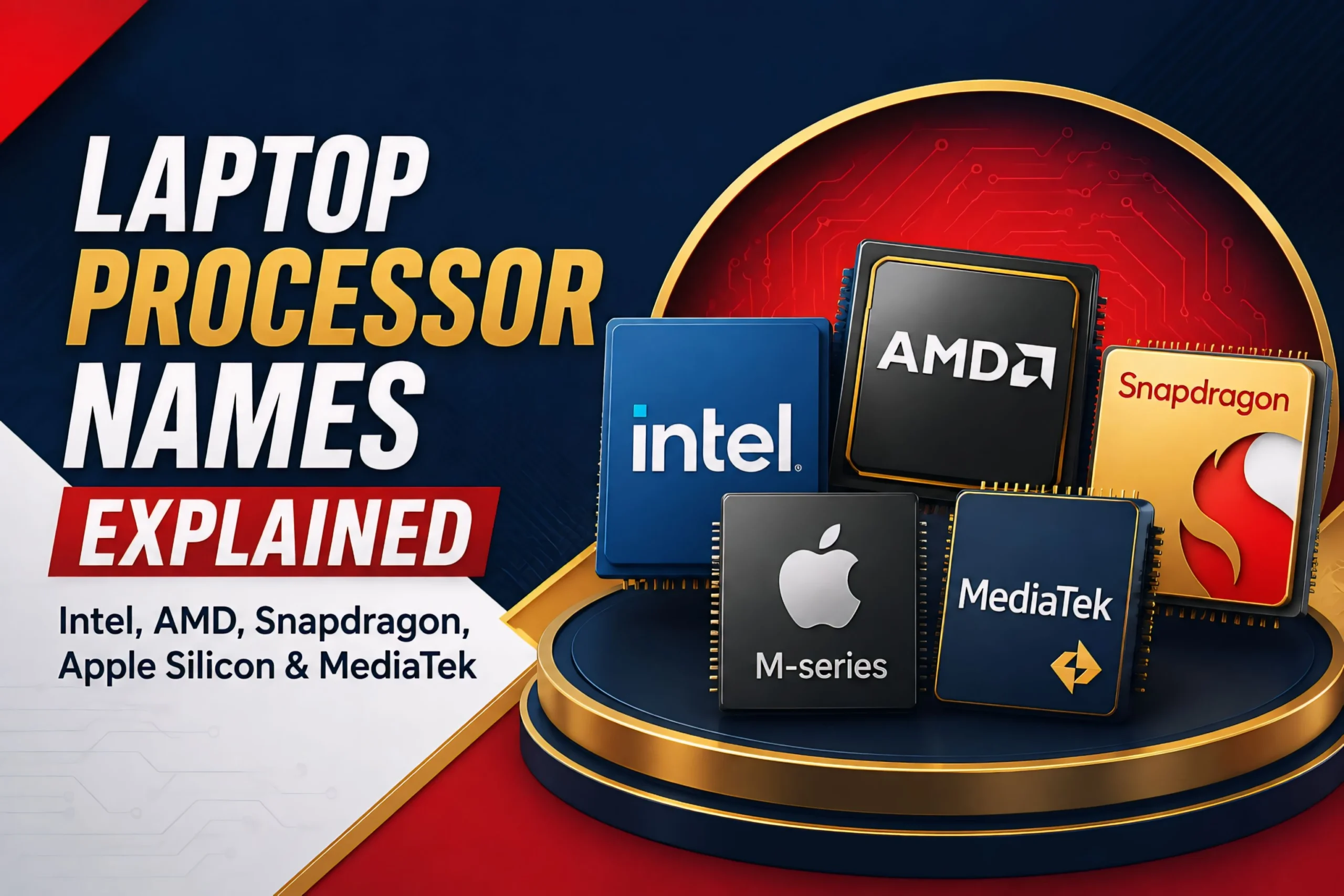
Quick Comparison: Laptop processor explained
| Use Case | Intel | AMD | Qualcomm | Apple | MediaTek |
|---|---|---|---|---|---|
| Everyday browsing & office work | Core 3 / Core 5 | Ryzen 3 / Ryzen 5 | Snapdragon X Plus | MacBook Air (M5) | Kompanio 500 / 520 / 540 |
| Mainstream multitasking | Core Ultra 5 | Ryzen AI 5 / Ryzen 7 | Snapdragon X Plus | MacBook Air (M5) | Kompanio 820 / 838 |
| Content creation & heavier workloads | Core Ultra 7 | Ryzen AI 7 | Snapdragon X Elite | MacBook Pro (M5 Pro) | Kompanio Ultra 910 |
| High-performance / gaming laptops | Core Ultra 9, HX/X9 models | Ryzen AI 9 HX, Ryzen 9 | Snapdragon X2 Elite Extreme | MacBook Pro (M5 Max) | (not a Kompanio use case — MediaTek doesn’t target gaming laptops) |
Note: this table compares typical use-case positioning, not benchmark performance. Always check reviews for real-world speed within your budget.
Suffix Cheat Sheet
| Suffix | Meaning | Best For |
|---|---|---|
| U | Ultra power-efficient | Thin, light, all-day-battery laptops |
| H | High performance (mainstream) | Everyday + creative multitasking |
| HX | Highest mobile performance | Gaming, workstation-class laptops |
| V | AI-focused (Intel) | Copilot+ PCs, on-device AI tasks |
| PRO | Business features (AMD only — Intel’s equivalent is vPro, a separate platform badge rather than a chip-name suffix) | Managed fleets, enterprise laptops |
| Max / Max+ | Higher-end AI mobile tier (AMD) | Premium AI-focused laptops |
| Elite / Elite Extreme | Highest Snapdragon performance tier | Multitasking, creative work, flagship laptops |
| Plus | Mid-range Snapdragon tier | Everyday productivity, long battery life |
| Pro / Max (Apple) | Performance tier layered on the M-number | Creative work, pro multitasking (Apple laptops) |
| Ultra (MediaTek) | MediaTek’s flagship Chromebook tier | Chromebook Plus AI features, best on-device performance |
Note: not every suffix shows up on every generation. Intel’s V-suffix, for example, only applies to Series 2 “Lunar Lake” chips and doesn’t carry over to Series 3 “Panther Lake.”
Frequently Asked Questions
Is Intel Core Ultra always faster than Intel Core? Usually, yes, for AI and graphics work — Core Ultra chips pack an NPU and Arc graphics that plain Core chips don’t get. Raw CPU speed can still swing either way depending on the exact model, though.
Does a higher tier number always mean better performance? Only if you’re staying inside the same generation and product family. Cross generations and a newer chip with a lower tier number can beat an older one with a higher tier — so check the series digit too, not just the tier.
Do I need a Snapdragon laptop to get Copilot+ features? Nope. Recent Intel Core Ultra (V-series) and AMD Ryzen AI laptops that meet Microsoft’s NPU requirement get Copilot+ features as well.
Why do Intel and AMD both use the numbers 5, 7, and 9? Pure coincidence of convention — both companies use similar numbering to signal entry, mid-range, and high-end tiers, but the numbers don’t translate between brands. A Ryzen 7 and a Core Ultra 7 aren’t playing in the same league just because they share a digit.
Is a MacBook or a MediaTek Chromebook processor even comparable to Intel, AMD, or Snapdragon chips? Not really. Apple Silicon runs macOS and MediaTek Kompanio runs ChromeOS — completely different software worlds from Windows. Apple’s M-series tends to be very fast for how little power it draws, while Kompanio chips are built for lightweight, cloud-leaning Chromebook use rather than heavy local processing. Which one’s “best” usually comes down to which operating system fits how you actually work, not the raw chip specs.
🌌 TechMilkyWay Final Verdict
Processor naming isn’t going to sit still. Intel is already three “Series” deep on Core Ultra, AMD just moved from Ryzen AI 300 to 400, Qualcomm’s on its second Snapdragon X2 generation, Apple’s up to M5, and MediaTek keeps expanding the Kompanio range.
None of that changes the underlying pattern, though: brand tier for market segment, generation digit for how new it is, and suffix (or Pro/Max tier) for power class.
Master the art of looking for the three things instead of just the biggest number on the sticker, and you can properly assess an Intel or AMD or Qualcomm or Apple or MediaTek laptop. It really is that simple when you see what a laptop CPU is after the marketing gloss fades.
🌌 TechMilkyWay — Navigating the Universe of Technology.
Also Read
- Best Budget Laptops in 2026: Apple, Lenovo, Dell, ASUS, HP, Microsoft, MSI, Acer, Samsung & Framework
- Best Laptop for Engineering Students in 2026: Every Discipline Ranked
- GaN, PD & PPS Charging Explained — Keep Your Handheld Charged Fast
Quick Links: Home | Blog | Reviews | Buying Guides | Tech News | Gaming | Gadgets | Deals | How-To Guides | Computing | Contact Us | About Us | Disclaimer | Privacy Policy | Terms & Conditions | DMCA | Facebook | X | Instagram
Disclosure: We may earn a small commission from purchases made through some links 🛒 no extra cost to you. This helps keep our content free. Read our full Affiliate Disclaimer and About Us page for more.
© 2026 TechMilkyWay — Navigate The Universe of Technology.
Best Laptop for Engineering Students in 2026: Every Discipline Ranked