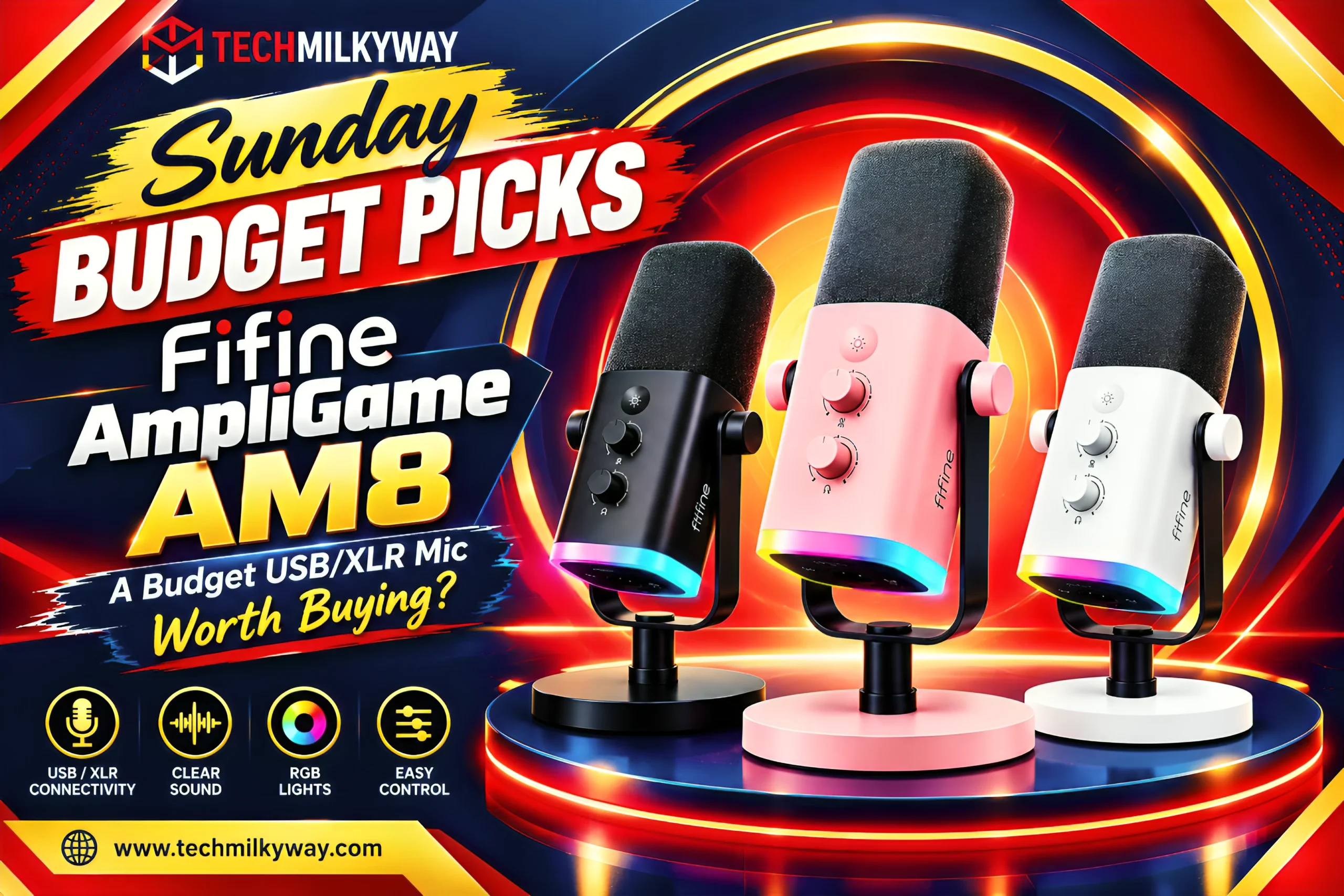
⚡ Quick Answer: The Fifine Ampli Game AM8 is a budget dynamic microphone that offers both USB and XLR connectivity, along with a touch-mute button, zero-latency headphone monitoring, and RGB lighting you can turn off. It costs $57.99 at Fifine’s official store and $56.99 on Amazon. One thing to consider before you purchase: the AM8’s RGB, mute, and monitoring features only work when connected through USB. On XLR, you’ll get an audio signal, but you won’t be able to use those features-and the included mic stand won’t be up to the task of supporting a boom arm system. If you’re a streamer or gamer looking for an inexpensive, easy-to-upgrade mic, the AM8 is a good option.
What Is the Fifine AmpliGame AM8?
The Fifine Ampli Game AM8 is a desktop dynamic microphone made for streamers, podcasters, and gamers who’ve outgrown their headset mic but aren’t quite ready to make the leap to a full XLR studio rig. And how it sounds is a matter of flexibility. It can connect to your computer via USB, so you can start recording in minutes. Or swap to an audio interface or mixer later on.
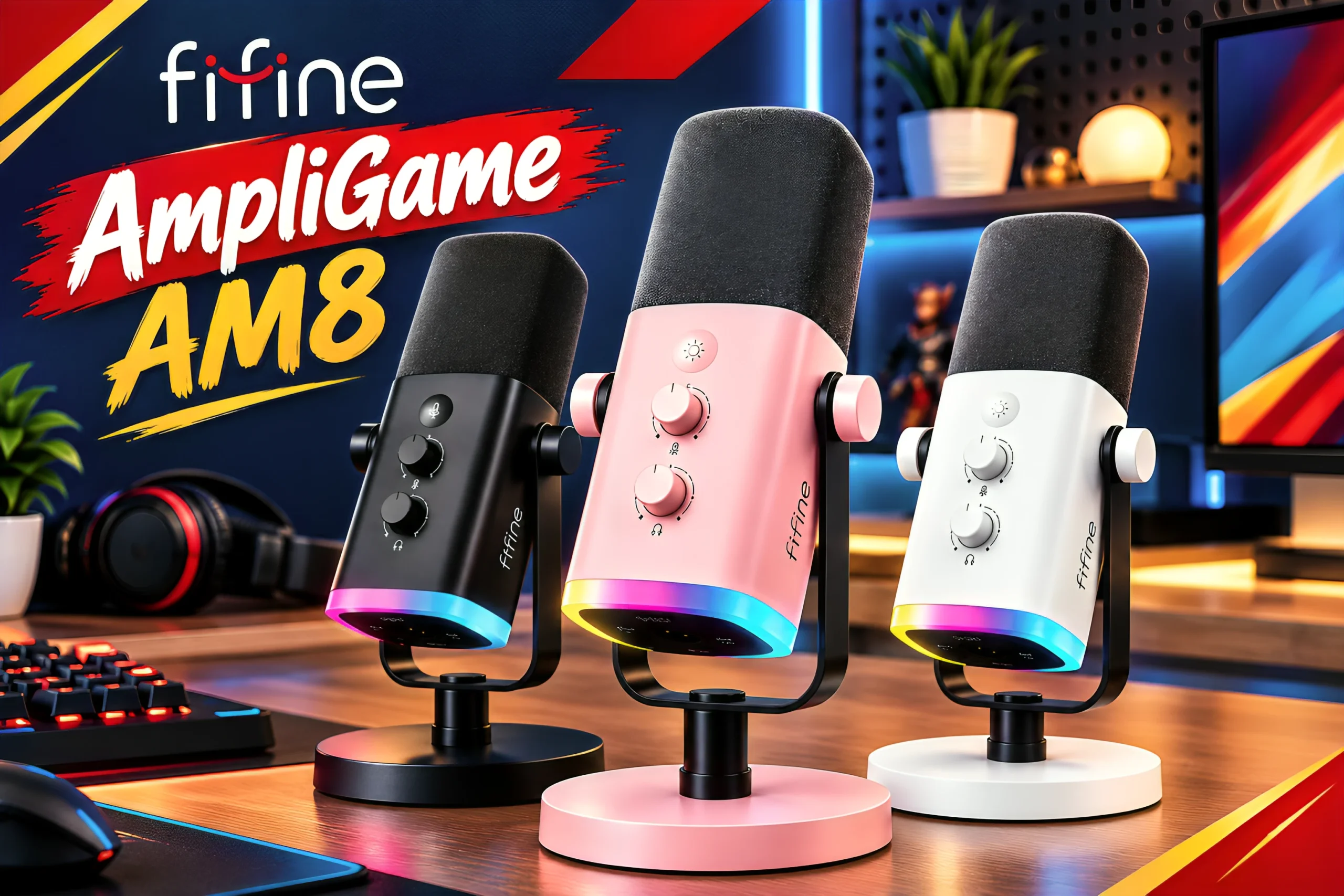
Available in three colors -black, white, and pink – includes a metal desktop stand and foam pop filter at no additional cost – no need to purchase these items separately when you buy the microphone. If you don’t want to use the included desktop stand, Fifine is also selling the boom-arm stand model BM88 separately.
Looking for something wireless instead? Our DJI Mic Mini 2 Review covers a very different, clip-on style pick worth comparing.
Fifine AmpliGame AM8 Specs at a Glance
| Feature | Detail |
|---|---|
| Microphone Type | Dynamic, cardioid |
| Connectivity | USB-C and XLR (one mode at a time for full features — more on this below) |
| Frequency Response | 50 Hz – 16,000 Hz |
| Sensitivity | -50±3dB |
| Signal-to-Noise Ratio | >80dB |
| Maximum SPL | 120dB |
| Power Supply | 5±0.25V (USB) |
| Bit Depth / Sample Rate | 16-bit / 44.1kHz–48kHz |
| Headphone Output | 3.5mm jack, zero-latency monitoring — USB mode only |
| Controls | Gain knob, touch-sensitive mute — mute and RGB are USB mode only |
| Lighting | Adjustable RGB (3 modes, multiple colors), can be turned off — USB mode only |
| In the Box | Metal desktop stand, foam pop filter, USB-C to USB-A cable |
| Colors | Black, white, pink |
| Cable Length | About 2m / 6.5ft |
| Console Compatibility | Works with PS5 over USB; not compatible with Xbox |
| Price | $57.99 on Fifine’s official store |
1. USB and XLR Connectivity — With a Catch
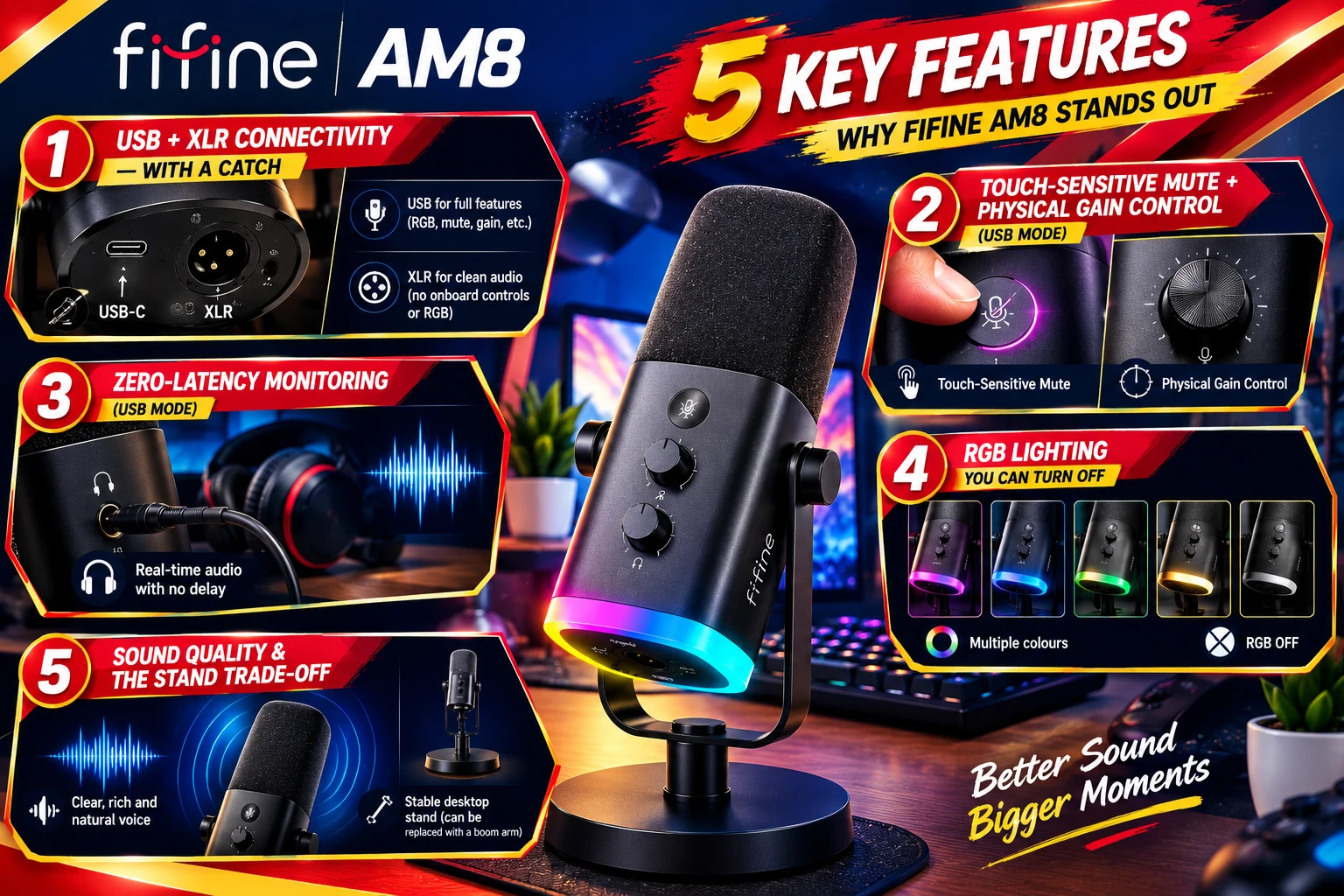
Most budget mics make you choose: USB for simplicity, or XLR for upgrade room. The AM8 gives you both in one mic. Start on USB with your laptop today, and add an audio interface later without buying a new microphone.
Here’s the catch. It’s a choice of mode, not a true “use everything at once” setup. Fifine’s own documentation confirms that RGB lighting, the touch-mute button, and the function keys only work in USB mode. Switch to XLR, and you get a clean analog signal — but none of those extras. Still, it’s a genuinely useful upgrade path. Just go in knowing what you’re trading.
2. Touch-Sensitive Mute and Gain Control (USB Mode)
A capacitive touch button handles muting over USB, backed by an LED that lights up so you never forget you’re on mute mid-stream. There’s no mechanical switch to wear out over time, either. A separate knob controls gain, so you can boost or dial back your input on the fly. One thing to remember: this is a USB-mode feature. Over XLR, your interface or mixer takes over those controls instead.
3. Zero-Latency Monitoring (USB Mode)
Plug headphones into the built-in 3.5mm jack, and you’ll hear your own voice in real time, with no noticeable delay. That’s a genuinely useful feature at this price, especially if you’re recording voiceovers or gaming with a team. Like the mute button and RGB, though, it only works over USB.
4. RGB Lighting You Can Turn Off
The AM8 leans into gaming-desk style with adjustable RGB lighting built into the body. Not your thing? Switch it off completely, and it’ll never force a look you didn’t ask for.
5. Sound Quality and the Stand Trade-Off
Independent testing describes the AM8’s tuning as slightly V-shaped, with the lows and highs sitting a touch ahead of the mids. Some voices benefit from that; others might not. Either way, clarity for the price is genuinely strong.
The recurring complaint is the included stand. It works, but several reviewers found it noticeably wobbly next to a proper boom arm. If a rock-solid mount matters to you, factor the cost of Fifine’s BM88 — or a third-party arm — into your budget.
Building out a bigger streaming or podcasting setup? Check our Audio category for more budget picks that pair well with a mic like this.
Pros and Cons
✅ Pros
- USB and XLR on the same mic gives you real room to grow
- Touch mute and a physical gain knob are genuinely handy day to day
- Zero-latency headphone monitoring over USB
- RGB you can fully disable if it’s not your style
- Stand and pop filter included, so there’s nothing extra to buy to get started
❌ Cons
- RGB, touch mute, and headphone monitoring all drop out once you switch to XLR
- Included desktop stand feels loose compared to a boom arm
- Slightly V-shaped tuning won’t suit every voice
- Plastic-heavy build, which is typical at this price
- XLR use needs a separate interface, mixer, and cable — none included
- No Xbox support
Should You Buy the Fifine AmpliGame AM8?
Buy it if:
- You want to start on USB today and grow into XLR later
- You’d rather flip a physical switch than dig through software menus
- You’re setting up your first streaming or podcasting desk on a budget
Skip it if:
- You need a boom-arm mount from day one
- You want a neutral, studio-flat sound
- You’ll only ever use XLR and don’t need the USB side at all
TechMilkyWay Verdict
Fifine Ampli Game AM8 ($58 at Amazon) This goes in our Sunday Budget Picks because it gets the basics right. Real USB/XLR versatility, solid physical controls, and authentic zero latency monitoring for roughly $58 USD. The stand isn’t great, and the sound is a little V-shaped versus flat, but for a first real microphone upgrade, you can’t go wrong here.
Where to Buy the Fifine AmpliGame AM8
Best Alternatives to the Fifine AmpliGame AM8
| Mic | Best For | Buy on Amazon |
|---|---|---|
| Fifine K669B / K678 | An even tighter budget, USB-only starter mic | Check Price → |
| Maono AU-A04 | Podcasting-focused alternative at a similar price | Check Price → |
| Razer Seiren Mini | Small desks, gaming-first look | Check Price → |
| HyperX QuadCast S | A step up in budget, with RGB and a shock mount included | Check Price → |
| Fifine BM88 Boom Arm (add-on) | AM8 owners who want to fix the stand issue | Check Price → |
Frequently Asked Questions
Can I use USB and XLR at the same time? You can plug in either, but only one mode is “active” for features at a time. USB mode gives you plug-and-play audio plus RGB, touch mute, and headphone monitoring. XLR mode sends a clean analog signal to your interface or mixer, but turns off RGB, mute, and monitoring.
Does the RGB lighting drain performance? No — the mic runs on power from your USB connection, not a battery, so RGB doesn’t affect audio quality. Just remember it only works in USB mode.
Does it work with PS5 or Xbox? Yes on PS5, over USB. No on Xbox — Microsoft blocks third-party USB audio devices at the console level, so this isn’t a Fifine-specific limitation.
Is the included stand good enough to keep long-term? It’s usable, but several reviews flag it as a little unstable. A boom arm, like Fifine’s own BM88, is a common upgrade for anyone who plans to keep the mic long-term.
What’s the mic’s polar pattern? Cardioid. It picks up sound mainly from the front and rejects noise from the sides and rear, which helps in a noisy room.
Is this a good first microphone for streaming? Yes. The USB side makes it an easy starting point, and the XLR side is there once you’re ready to add a mixer or interface.
More From TechMilkyWay
- DJI Mic Mini 2 Review
- JBL EasySing Mic Mini Review 2026
- What is the Best Portable Bluetooth Speaker in 2026?
- The Ultimate Wireless Headphones Buying Guide 2026
🌌 TechMilkyWay — Navigating the Universe of Technology.
Quick Links: Home | Gaming | Reviews | Blog | Contact Us | Facebook
Affiliate Disclosure: Tech Milky Way is a member of Amazon Associates Program. When you buy after clicking my link, I will earn a small commission without any extra fee from your side. — Read our Affiliate Disclaimer