
Best Laptop for Engineering Students in 2026: Every Discipline Ranked

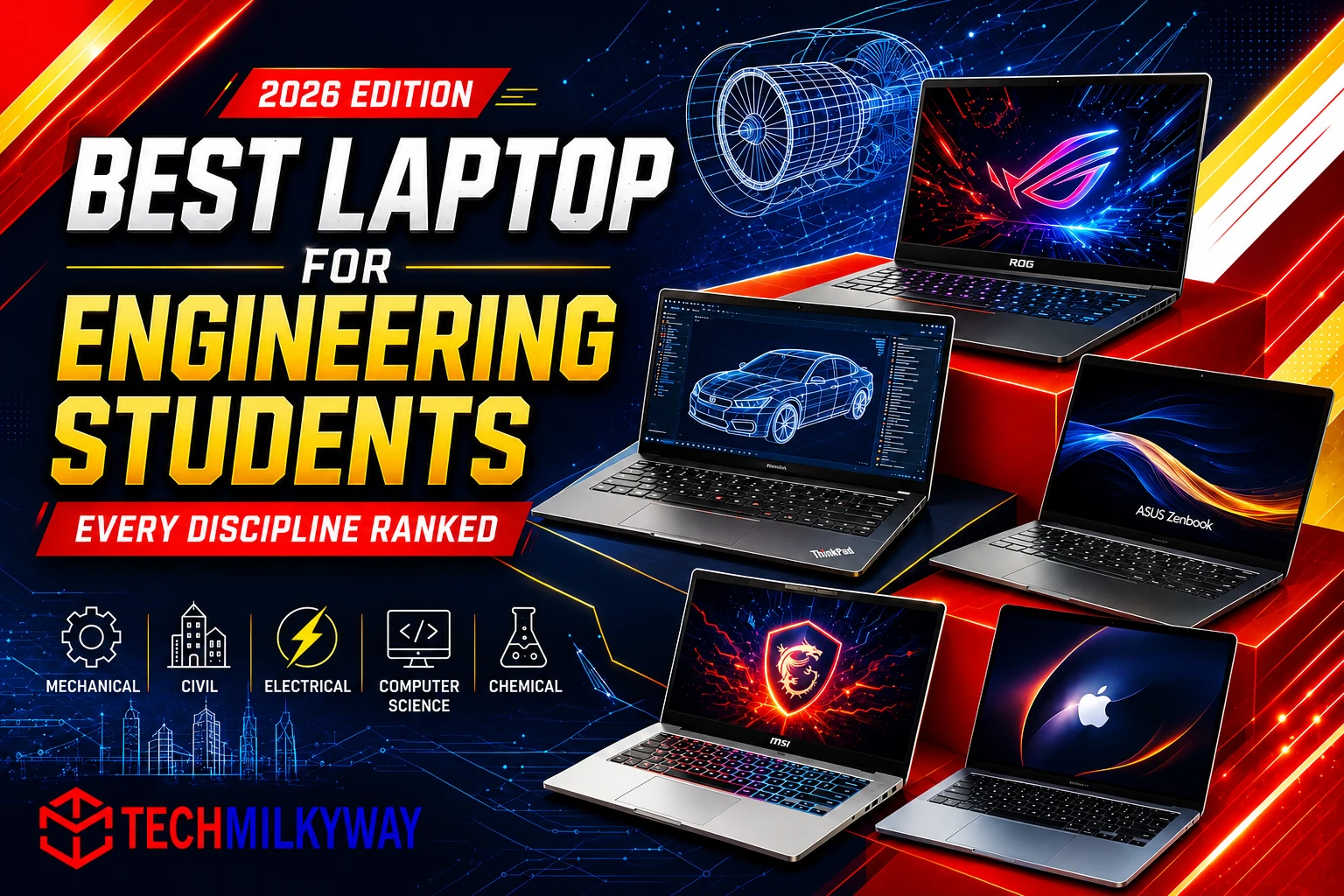
⚡ Quick Answer: The Lenovo ThinkPad X1 Carbon (Gen 14 Aura Edition) is our top pick for the best overall engineering laptop in 2026 — durable, Windows-compatible, and built for CAD-heavy coursework across most disciplines. For GPU-intensive majors like computer engineering or robotics, the ASUS ROG Zephyrus G14 is our top pick. For combined CAD, simulation, and machine learning workloads, the Lenovo ThinkPad P1 mobile workstation is the one built to handle all three without flinching. Keep reading for our full discipline-by-discipline breakdown with specs, pros, cons, scores, and our TechMilkyWay Verdict for each.
Here’s the thing about buying a laptop for engineering school: what works for your roommate probably won’t work for you. A civil engineering student running AutoCAD needs something completely different from a computer engineering student compiling code and spinning up virtual machines at 1am. And a robotics student juggling simulation software alongside machine learning models? That’s a whole different beast again.
Get this wrong, and it costs you twice. Once at checkout, and again every time your laptop chokes on a render or a compile job the night before a deadline. So we sat down and ranked the best engineering laptop for every major discipline in 2026, matched to what you’ll actually be doing with it, not just what looks impressive on a spec sheet. Every price is verified against current retailer listings, and every spec is confirmed against manufacturer pages.
Related Articles:
- Best Budget Laptops in 2026
- ASUS ROG Azoth Keyboards Series 2026
- Best Portable SSD for Content Creators in 2026
For more device picks, browse our Laptop reviews and guides on TechMilkyWay.
Best Engineering Laptops 2026 — Ranked Summary Table
| Rank | Laptop | Best For | Price (Starting) |
|---|---|---|---|
| #1 | Lenovo ThinkPad X1 Carbon (Gen 14) | Best Overall / Mechanical / Civil / Chemical / Materials | ~$2772 |
| #2 | ASUS ROG Zephyrus G14 (2026) | Computer Engineering, Robotics, Software Eng | ~$1,999 |
| #3 | ASUS ProArt Series | Electrical/Electronics, Aerospace (GPU option) | ~$1,885 |
| #4 | ASUS Zenbook 14 OLED | Industrial, Environmental, Systems Engineering | ~$999–$1,199 |
| #5 | MSI Prestige 16 AI Evo | Biomedical, schematic/detail display work | ~$1,479 |
| #6 | Lenovo ThinkPad P1 | Robotics, Mechatronics, Combined CAD + Simulation + ML | ~$3,006+ |
| #7 | Apple MacBook Air 15″ (M5) | Biomedical, Coding-Heavy Coursework (non-Windows majors) | ~$1,459 |
📌 Prices are verified against current 2026 retailer and manufacturer listings at time of publishing, but they do shift — check Amazon for the latest deals.
1. Lenovo ThinkPad X1 Carbon (Gen 14 Aura Edition) — Best Overall
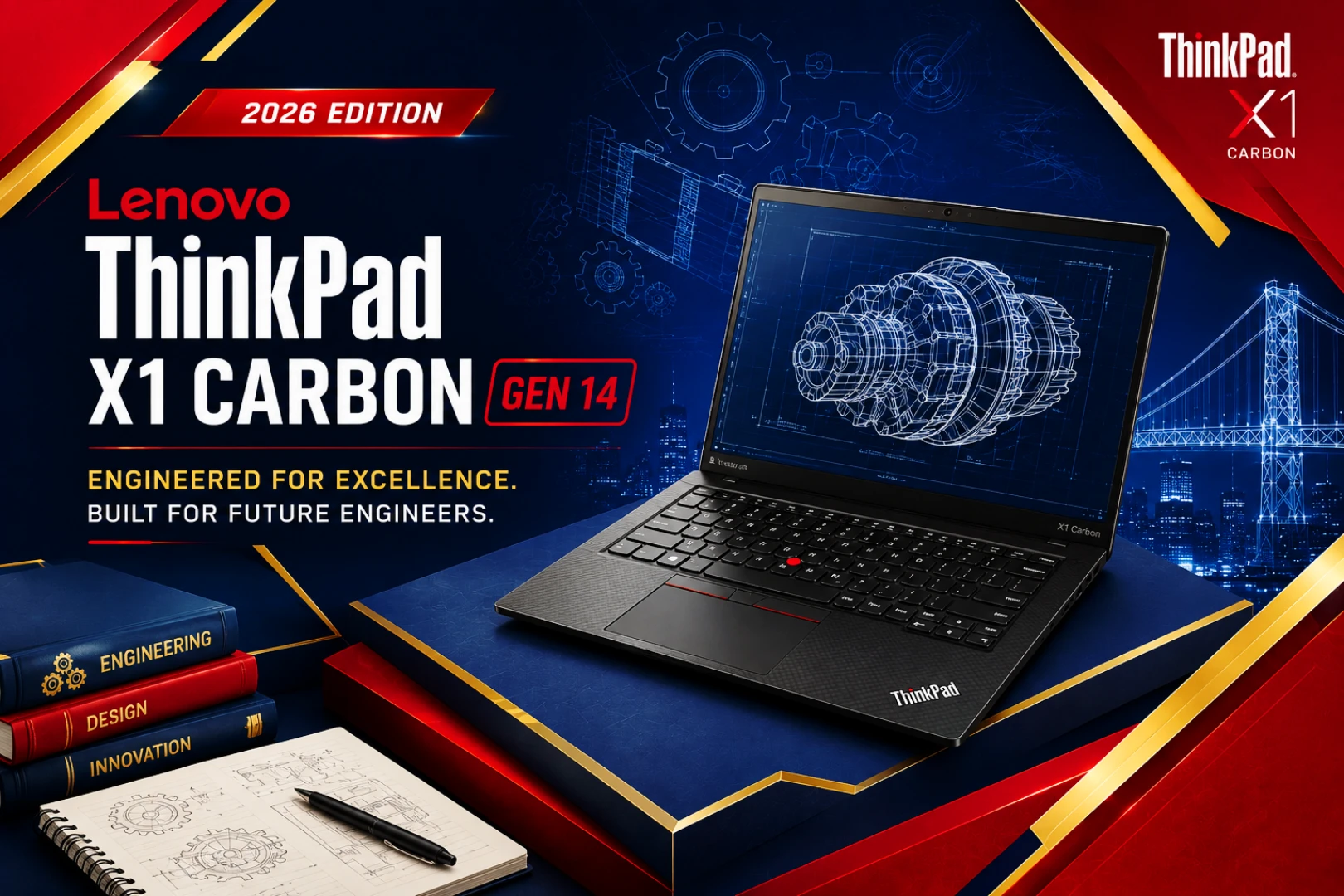
Price: ~$2772 | GPU: Integrated | Battery: 58Wh, ~1hr rapid charge to 80%
If you only read one section of this guide, make it this one. The ThinkPad X1 Carbon is the laptop we’d point most engineering students toward first, no hesitation. Lenovo’s 2026 Gen 14 refresh brings a new “Space Frame” internal design that improves cooling by up to 20% and frees up room for a bigger battery, all while keeping the carbon-fiber chassis that’s made this line a campus staple for years. It’s built for daily CAD use — SolidWorks, AutoCAD, MATLAB, Aspen — without the reliability headaches you get from cheaper plastic-chassis machines.
Under the hood, it runs Intel’s Panther Lake Core Ultra 7 355/356 processor with integrated graphics only, no discrete GPU. And that’s actually the point. Mechanical, civil, chemical, and materials science coursework is CPU-bound, not GPU-bound, so why pay for graphics horsepower you’ll never touch?
Key Specs
| Spec | Details |
|---|---|
| CPU | Intel Core Ultra 7 355/356 (Panther Lake) |
| RAM | 32GB LPDDR5x (standard on base config) |
| Storage | 256GB – 2TB SSD |
| Display | 14-inch WUXGA (1920×1200) IPS |
| Battery | 58Wh cell, rapid-charges to 80% in ~1 hour |
| Weight | ~2.5 lbs |
| Dimensions | 12.4 x 8.7 x 0.6 in |
| Ports | 2x Thunderbolt 4, 2x USB-A 3.2, HDMI 2.1, 3.5mm combo jack |
| Webcam | 5MP IR webcam with privacy shutter, Windows Hello |
| Connectivity | Wi-Fi 7, Bluetooth 5.4 |
| Keyboard/Trackpad | Backlit spill-resistant keyboard, glass trackpad |
| OS | Windows 11 Pro |
✅ Pros
- Improved cooling design and larger battery for 2026
- Excellent keyboard for long report-writing sessions
- Strong Windows compatibility with CAD and simulation software
- Lightweight and durable for carrying across campus
- MIL-STD tested for drops and spills
❌ Cons
- No discrete GPU — not suited for rendering or ML-heavy coursework
- Starting price has climbed to roughly $2772 for 2026 configurations
- 14-inch screen can feel tight for detailed CAD work
🌌 TechMilkyWay Verdict: Score: 9.5/10 — Not sure which laptop to buy, and your major doesn’t need a GPU? Stop scrolling and buy this one. The ThinkPad X1 Carbon is the safest, most durable choice for the majority of engineering disciplines in 2026 — just budget closer to $2,700 than the sub-$2000 pricing of past generations. Pair it with one of our picks from the TechMilkyWay Computing section if you also need a mouse or keyboard for your dorm desk setup.
👉 Check Price on Amazon — Retail: ~$2772 (Prices may vary. As an Amazon Associate, TechMilkyWay earns from qualifying purchases. Read our Affiliate Disclaimer.)
2. ASUS ROG Zephyrus G14 (2026) — Best for Computer Engineering & Robotics
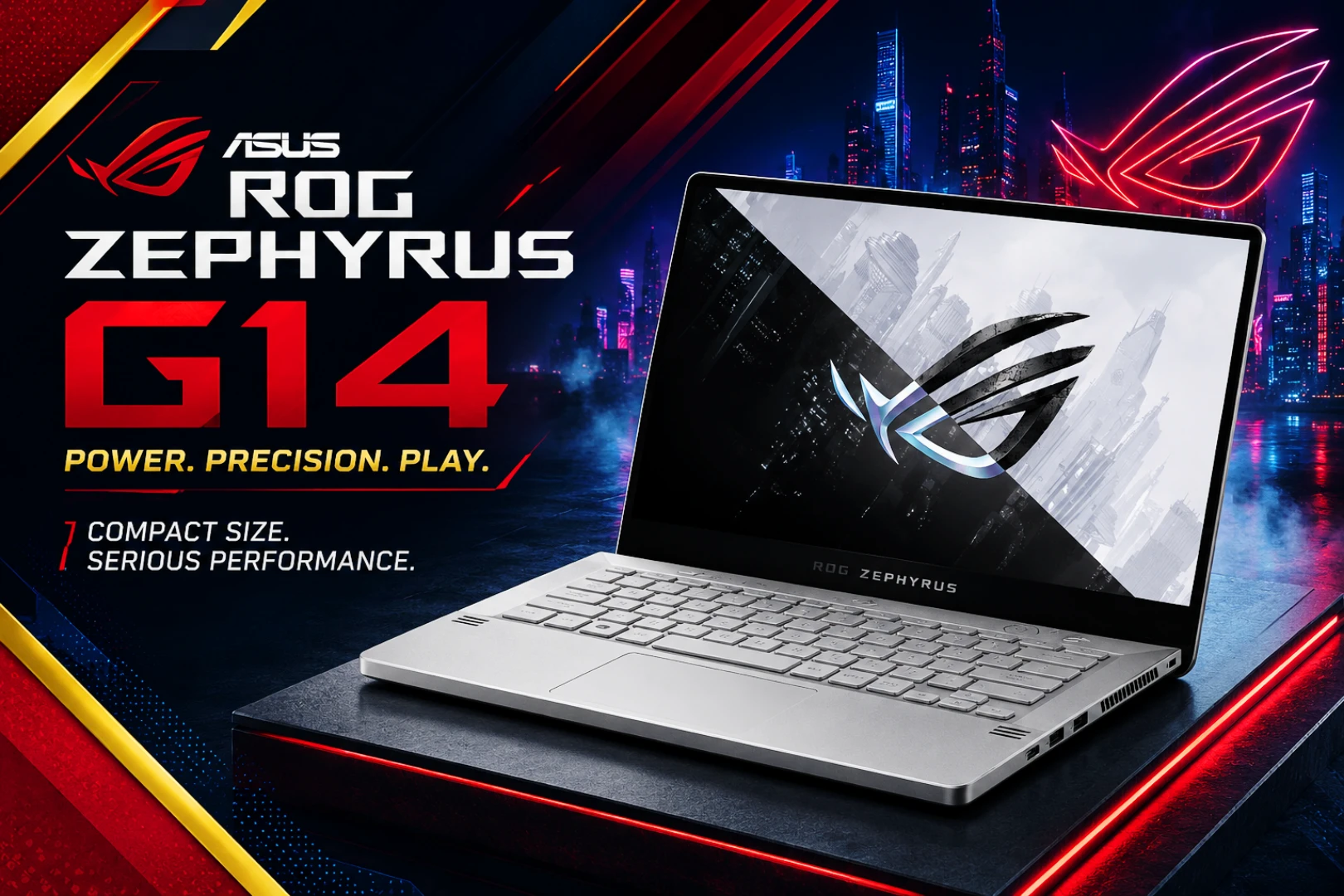
Price: ~$1,999 | GPU: RTX 5060–5080 | Battery: ~8–10 hours
The 2026 ROG Zephyrus G14 refresh pairs Intel’s new Core Ultra 9 386H (or an AMD Ryzen AI 9 465 configuration) with genuine Nvidia RTX 50-series graphics — up to an RTX 5080 — packed into a chassis that still weighs just 3.48 lbs. That’s the whole appeal here: real GPU power without turning your backpack into a workout. For computer engineering students running local compiles, containers, and FPGA tools, or robotics students juggling simulation and machine learning at the same time, that dedicated GPU changes your day-to-day workflow noticeably.
Better yet, 32GB of LPDDR5X memory and a 1TB SSD come standard across the 2026 lineup. No upgrading a base config just to get specs you can actually work with.
Key Specs
| Spec | Details |
|---|---|
| CPU | Intel Core Ultra 9 386H or AMD Ryzen AI 9 465 |
| GPU | Nvidia RTX 5060 / 5070 Ti / 5080 (config-dependent) |
| RAM | 32GB LPDDR5X (standard) |
| Storage | 1TB PCIe 4.0 SSD |
| Display | 14-inch 3K OLED, 120Hz, up to 1100-nit HDR |
| Battery | ~8–10 hours typical use |
| Weight | 3.48 lbs |
| Dimensions | 12.3 x 8.7 x 0.7 in |
| Ports | 2x USB-C (USB4/Thunderbolt), 2x USB-A 3.2, HDMI 2.1, microSD, 3.5mm combo jack |
| Webcam | FHD IR webcam with Windows Hello |
| Connectivity | Wi-Fi 7, Bluetooth 5.4 |
| Keyboard/Trackpad | RGB backlit keyboard, glass trackpad |
| OS | Windows 11 Home/Pro |
✅ Pros
- Genuine GPU performance (up to RTX 5080) in a portable 14-inch chassis
- Handles local AI/ML workloads, compiling, and FPGA tools with ease
- 32GB RAM and 1TB SSD standard — no forced upgrades
- CNC-milled aluminum chassis with improved cooling for 2026
- Bright, high-refresh 3K OLED display
❌ Cons
- Expensive — higher-tier RTX 5080 configs push well past $2,000
- Battery life trails behind CPU-only ultrabooks
- More laptop than most non-GPU majors actually need
🌌 TechMilkyWay Verdict: Score: 9.2/10 — For computer engineering, robotics, and software-engineering-track students, the 2026 Zephyrus G14 earns its premium price. Stick to the RTX 5060 or 5070 Ti configuration unless you have a real reason to need 5080-level power. Lighter workload than that? Save the money and grab the ThinkPad X1 Carbon instead.
👉 Check Price on Amazon — Retail: ~$1,999 (Prices may vary. As an Amazon Associate, TechMilkyWay earns from qualifying purchases. Read our Affiliate Disclaimer.)
3. ASUS ProArt Series — Best for Electrical/Electronics & Aerospace

Price: ~$1,885 | GPU: RTX 4050 (select configs) | Battery: ~8–10 hours
Electrical and electronics engineering students spend hours staring at schematics, waveforms, and simulation plots, and small details matter a lot here. That’s where a color-accurate, factory-calibrated display actually earns its keep — it helps you catch mistakes before they cost you a lab grade. The ASUS ProArt series pairs a Pantone-validated panel with an optional discrete GPU, making it one of the few laptops on this list that handles both detailed visual work and light-to-moderate simulation without breaking a sweat.
Aerospace students needing occasional GPU-accelerated simulation, think ANSYS or CATIA, without jumping straight to a full mobile workstation should take a close look here too. A color-accurate external monitor is a smart add-on for either major — check our Devices category for display and accessory picks that pair well with a laptop like this.
Key Specs
| Spec | Details |
|---|---|
| CPU | Intel Core Ultra 7/9 |
| GPU | Nvidia RTX 4050 (available on select configs) |
| RAM | 16GB – 32GB DDR5 |
| Storage | 1TB SSD |
| Display | 16-inch 4K, Pantone Validated |
| Battery | ~8–10 hours |
| Weight | ~4.2 lbs |
| Dimensions | 14.2 x 10.0 x 0.7 in |
| Ports | 2x Thunderbolt 4, 1x USB-A 3.2, HDMI 2.1, SD Express 7.0, 3.5mm jack |
| Webcam | FHD webcam with IR, Windows Hello |
| Connectivity | Wi-Fi 6E, Bluetooth 5.3 |
| Keyboard/Trackpad | Backlit keyboard, large glass trackpad |
| OS | Windows 11 Home |
✅ Pros
- Factory-calibrated, color-accurate display
- Comfortable for long schematic and simulation sessions
- Optional discrete GPU for light-to-moderate simulation work
- Solid build quality
❌ Cons
- Heavier than ultrabook alternatives
- Base configs skip the discrete GPU — confirm before buying
- RTX 4050 isn’t enough for heavy, sustained simulation loads
🌌 TechMilkyWay Verdict: Score: 8.9/10 — If your coursework is visually detailed — schematics, waveform analysis, PCB layout, or the occasional simulation run — the ProArt’s calibrated screen and optional GPU strike a genuinely good middle ground. Need something for heavier, sustained simulation work? Size up to the ThinkPad P1 instead.
👉 Check Price on Amazon — Retail: ~$1,885 (Prices may vary. As an Amazon Associate, TechMilkyWay earns from qualifying purchases. Read our Affiliate Disclaimer.)
4. ASUS Zenbook 14 OLED — Best Value Pick

Price: ~$999–$1,199 | GPU: Integrated | Battery: ~12–17 hours
Not every engineering discipline needs CAD or a GPU, and that’s worth remembering before you overspend. Industrial, systems, and environmental engineering coursework leans more on spreadsheets, GIS software, and data analysis than 3D rendering. The ASUS Zenbook 14 OLED delivers a genuinely great 3K OLED screen and solid CPU performance, minus the price tag of a workstation you don’t need.
Heads up on pricing: current 2026 listings run closer to $999–$1,199 depending on configuration. That’s a step up from this line’s older sub-$800 pricing, as component costs have crept up industry-wide.
Key Specs
| Spec | Details |
|---|---|
| CPU | Intel Core Ultra 7 155H or newer |
| RAM | 16GB – 32GB LPDDR5 |
| Storage | 512GB – 1TB SSD |
| Display | 14-inch 2.8K–3K OLED, 120Hz |
| Battery | ~12–17 hours (light use) |
| Weight | ~2.65 lbs |
| Dimensions | 12.3 x 8.7 x 0.6 in |
| Ports | 2x USB-C (Thunderbolt 4), 1x USB-A 3.2, HDMI 2.1, 3.5mm jack |
| Webcam | FHD IR webcam with Windows Hello |
| Connectivity | Wi-Fi 6E, Bluetooth 5.3 |
| Keyboard/Trackpad | Backlit keyboard, precision touchpad |
| OS | Windows 11 Home |
✅ Pros
- Excellent OLED display for the price
- Strong everyday performance and long battery life
- Lightweight and easy to carry to lectures
- Best value-per-dollar for non-GPU majors
❌ Cons
- No discrete GPU — skip this if your major needs one
- Chassis feels less rugged than the ThinkPad line
- Some configs can throttle under sustained heavy loads
🌌 TechMilkyWay Verdict: Score: 8.7/10 — For data-heavy, spreadsheet-and-GIS engineering disciplines, this is still the best value pick on the list. Just plan for $999–$1,199 rather than the older sub-$800 pricing you might remember. Weighing this against a non-engineering laptop too? Our Best Budget Laptops in 2026 guide covers general-purpose picks in the same price range.
👉 Check Price on Amazon — Retail: ~$999–$1,199 (Prices may vary. As an Amazon Associate, TechMilkyWay earns from qualifying purchases. Read our Affiliate Disclaimer.)
5. MSI Prestige 16 AI Evo — Best Display for Detail-Heavy Work
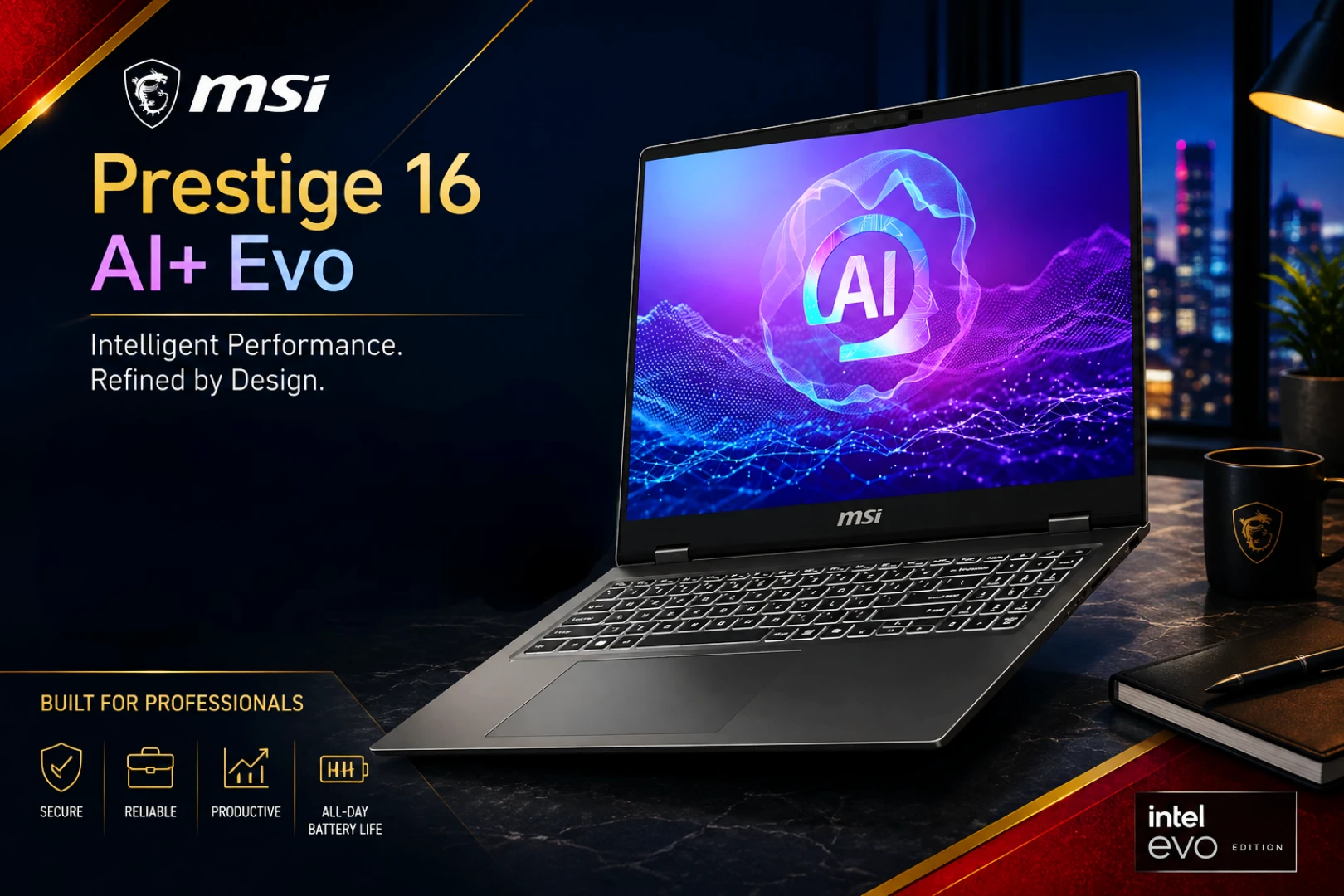
Price: ~$1,479 | GPU: Intel Arc Integrated (no discrete GPU) | Battery: ~8–10 hours
The MSI Prestige 16 AI Evo pairs an Intel Core Ultra processor with a genuinely excellent 16-inch OLED display, up to 3840×2400 resolution with 100% DCI-P3 coverage, plus 32GB of RAM standard. One thing worth flagging clearly before you buy: this model runs on Intel’s integrated Arc graphics, not a discrete GPU. That makes it a strong pick if you need a large, accurate display for reading schematics, medical imaging references, or detailed documents. It’s not the right choice if your coursework leans on GPU-accelerated simulation.
Key Specs
| Spec | Details |
|---|---|
| CPU | Intel Core Ultra 7 155H (or newer Ultra Series 2/3 configs) |
| GPU | Intel Arc Integrated Graphics (no discrete GPU) |
| RAM | 32GB LPDDR5X |
| Storage | 1TB – 2TB SSD |
| Display | 16-inch UHD+ OLED (3840×2400), 100% DCI-P3 |
| Battery | ~8–10 hours |
| Weight | ~3.3 lbs |
| Dimensions | 14.0 x 9.9 x 0.6 in |
| Ports | 2x Thunderbolt 4, 1x USB-A 3.2, HDMI 2.1, microSD, 3.5mm jack |
| Webcam | FHD IR webcam with Windows Hello |
| Connectivity | Wi-Fi 6E, Bluetooth 5.3 |
| Keyboard/Trackpad | Backlit keyboard, large glass trackpad |
| OS | Windows 11 Home/Pro |
✅ Pros
- Outstanding 4K+ OLED display for detailed visual work
- 32GB RAM standard
- Lighter than most 16-inch laptops in its class
- Strong everyday CPU performance
❌ Cons
- No discrete GPU — not suitable for simulation-heavy coursework
- Battery life is average, not exceptional
- Premium price for a laptop without dedicated graphics
🌌 TechMilkyWay Verdict: Score: 8.4/10 — A great pick for biomedical engineering students, or really anyone who spends hours reading detailed schematics or imaging on-screen. But if your discipline needs GPU-accelerated simulation, look at the ASUS ProArt or ThinkPad P1 instead — you’ll be glad you did come finals week.
👉 Check Price on Amazon — Retail: ~$1,479 (Prices may vary. As an Amazon Associate, TechMilkyWay earns from qualifying purchases. Read our Affiliate Disclaimer.)
6. Lenovo ThinkPad P1 — Best Mobile Workstation
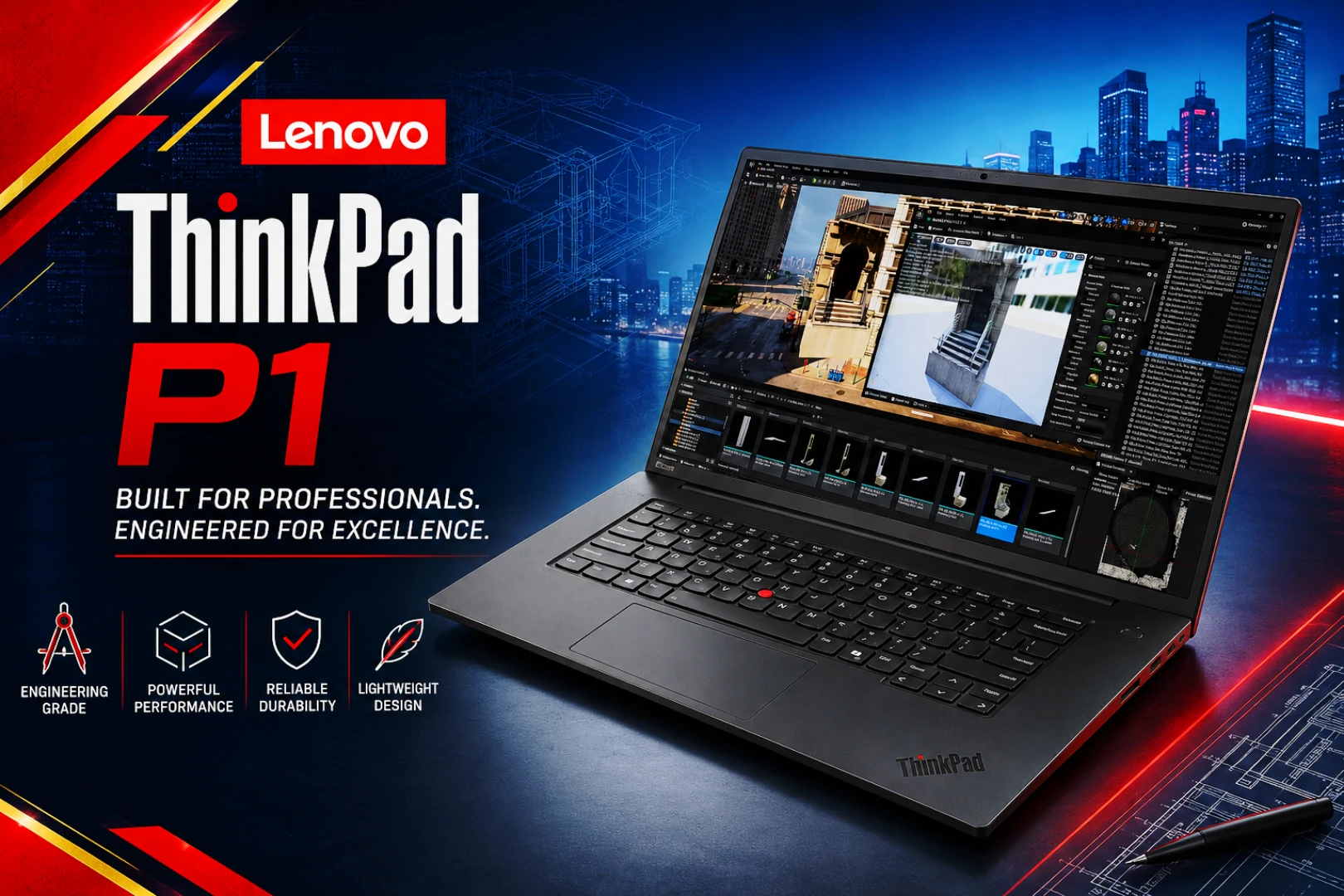
Price: ~$3,006(base) / ~$4100 (with RTX Pro) | GPU: RTX Pro 1000/2000 | Battery: ~7–9 hours
Robotics and mechatronics students often need CAD, simulation, and machine learning running well at the same time, and that combined workload pushes right past what a consumer laptop can comfortably handle. The ThinkPad P1 is Lenovo’s ISV-certified mobile workstation line, and current 2026 pricing reflects exactly that positioning: base configurations with integrated graphics start around $3,000, and stepping up to genuine Nvidia RTX Pro discrete graphics pushes that closer to $4000.
That’s meaningfully more than earlier ThinkPad P1 generations cost, so budget accordingly. This one’s a specialist’s tool, not a default pick for every engineering student.
Key Specs
| Spec | Details |
|---|---|
| CPU | Intel Core Ultra 7/9 vPro |
| GPU | Nvidia RTX Pro 1000/2000 Blackwell (on GPU configs) |
| RAM | 32GB – 64GB DDR5 |
| Storage | 512GB – 4TB SSD |
| Display | Up to 16-inch 4K |
| Battery | ~7–9 hours |
| Weight | ~4.5 lbs |
| Dimensions | 14.0 x 9.6 x 0.7 in |
| Ports | 2x Thunderbolt 4, 2x USB-A 3.2, HDMI 2.1, Ethernet, SD card reader |
| Webcam | 5MP IR webcam with privacy shutter, Windows Hello |
| Connectivity | Wi-Fi 7, Bluetooth 5.4 |
| Keyboard/Trackpad | Backlit spill-resistant keyboard, glass trackpad |
| OS | Windows 11 Pro |
✅ Pros
- ISV-certified for engineering and CAD software
- Handles combined CAD + simulation + ML workloads
- Workstation-grade reliability and thermal design
- Expandable RAM and storage on higher configs
❌ Cons
- Significantly more expensive than other picks on this list — starts around $3,000
- Discrete GPU only available starting at the $3,800 tier
- Heaviest and least portable option here
🌌 TechMilkyWay Verdict: Score: 8.6/10 — A specialist’s tool at a specialist’s price. If your program genuinely demands CAD, simulation, and ML running together at a professional level, the ThinkPad P1 earns its keep. Everyone else should look further up this list — the price jump from the X1 Carbon is a big one to justify without a real need for it.
👉 Check Price on Amazon — Retail: ~$3,006 (Prices may vary. As an Amazon Associate, TechMilkyWay earns from qualifying purchases. Read our Affiliate Disclaimer.)
7. Apple MacBook Air 15″ (M5) — Best for Coding-Focused Majors
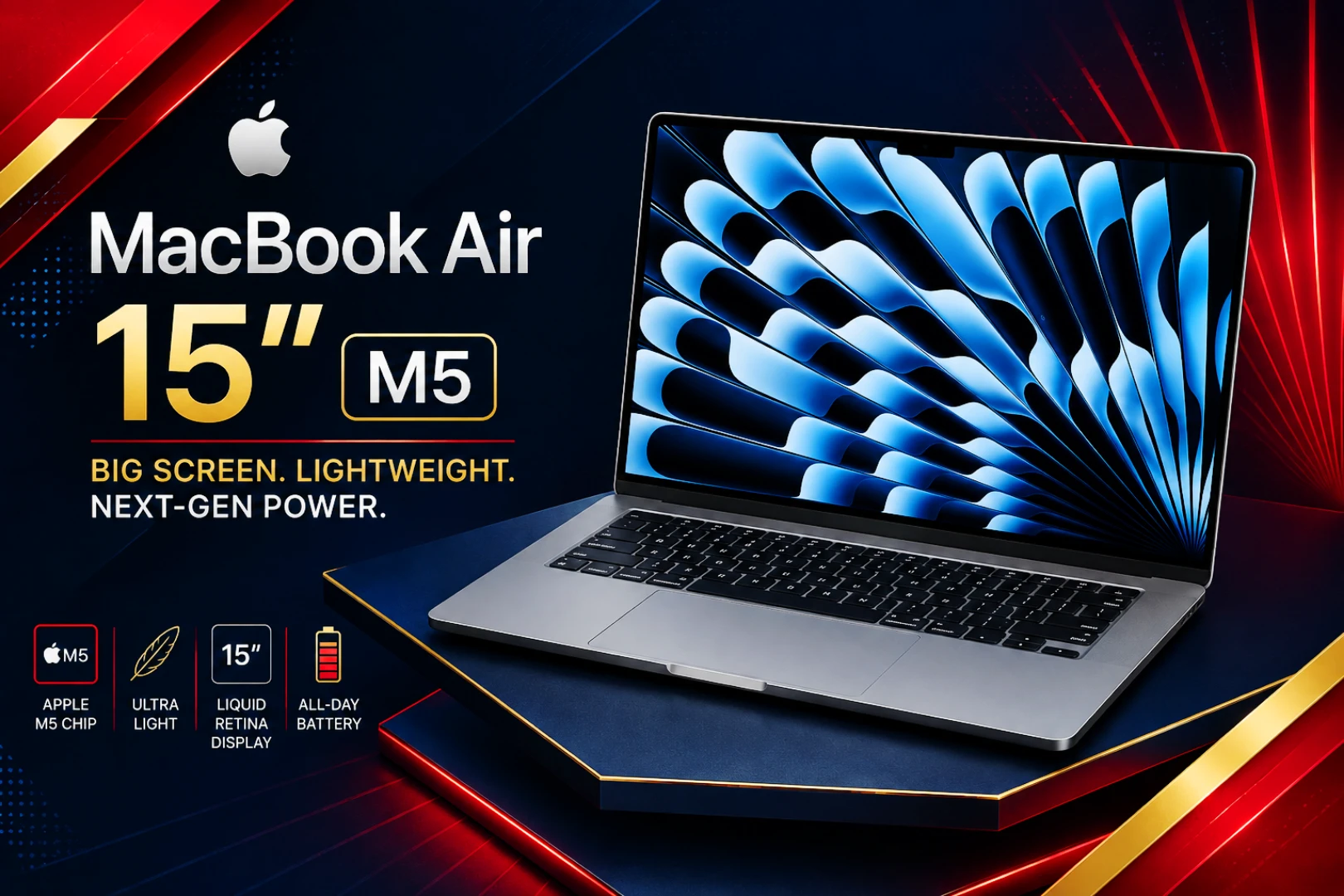
Price: ~$1,459 | GPU: Integrated (10-core) | Battery: Up to 18 hours
Apple moved to the M5 chip for its current MacBook Air generation back in March 2026, so if you’re shopping right now, this is the model you’ll actually end up buying new, not the outgoing M4. It ships with 16GB of unified memory standard, up to 18 hours of battery life, Wi-Fi 7, and the same fanless, silent design engineering students have liked in past generations, all in a 3.3 lb package.
Biomedical engineering sits in an odd spot among engineering majors: less CAD-heavy than mechanical or civil, but often much more coding- and data-analysis-focused. Before you commit here, check your department’s specific software list. Some biomedical programs still require Windows-only tools for lab equipment integration, and that’s not something a MacBook can fix.
Key Specs
| Spec | Details |
|---|---|
| CPU/GPU | Apple M5 (10-core CPU, 10-core GPU) |
| RAM | 16GB unified memory (standard) |
| Storage | 512GB SSD (standard on 15″) |
| Display | 15.3-inch Liquid Retina |
| Battery | Up to 18 hours |
| Weight | 3.3 lbs |
| Dimensions | 13.4 x 9.4 x 0.45 in |
| Ports | 2x Thunderbolt/USB4, MagSafe 3, 3.5mm headphone jack |
| Webcam | 12MP Center Stage FaceTime HD camera |
| Connectivity | Wi-Fi 7, Bluetooth 6.0 |
| Keyboard/Trackpad | Backlit Magic Keyboard, Force Touch trackpad |
| OS | macOS |
✅ Pros
- Current-generation Apple chip with 16GB RAM standard
- Exceptional battery life for long lab and lecture days
- Fanless, silent operation
- Wi-Fi 7 and strong everyday performance for coding and data analysis
❌ Cons
- No native support for many Windows-only CAD/lab tools
- No discrete GPU for simulation work
- No ProMotion high-refresh display, unlike the MacBook Pro
🌌 TechMilkyWay Verdict: Score: 8.3/10 — Confirm your program’s software requirements first, seriously, don’t skip this step. But if you’re clear to go Mac, the M5 Air 15″ is the model to buy right now, not the outgoing M4.
👉 Check Price on Amazon — Retail: ~$1,459 (Prices may vary. As an Amazon Associate, TechMilkyWay earns from qualifying purchases. Read our Affiliate Disclaimer.)
Honourable Mentions
Laptops that didn’t make the main seven — either because they overlap heavily with a pick already ranked above, or because they’re worth knowing about as alternates:

| Laptop | Details | Price | Buy |
|---|---|---|---|
| Dell XPS 14 | Solid alternative to the X1 Carbon for mechanical/civil majors; similar CPU-only approach, slightly heavier chassis. | ~$1,982 | Check Price |
| HP ZBook Firefly 14 G11 | A lighter, cheaper ISV-certified alternative to the ThinkPad P1 for students who need workstation certification without full workstation weight. | ~$1770 | Check Price |
| Razer Blade 14 | Strong RTX-equipped alternative to the Zephyrus G14 for computer engineering students who also want a more premium gaming-first chassis. | ~$1899 | Check Price |
| Microsoft Surface Laptop 7 | Solid non-CAD alternative to the Zenbook for industrial/systems majors already in the Microsoft ecosystem. | ~$1,580 | Check Price |
(Prices may vary. As an Amazon Associate, TechMilkyWay earns from qualifying purchases. Read our Affiliate Disclaimer.)
How We Chose These Engineering Laptops
- One pick per major workload category, so every entry serves a different discipline rather than repeating the same recommendation
- Current 2026 models only, not discontinued or superseded generations
- A clear reason to exist next to the others, so every pick has a distinct “best for” — CPU-bound coursework, GPU-accelerated simulation, display accuracy, or combined workstation needs
- Real-world specs, not just marketing claims — CPU, GPU, RAM, and battery life verified against manufacturer listings
- Software compatibility first, since most CAD, simulation, and lab software is Windows-only — macOS picks are flagged clearly for where they do and don’t fit
Best Engineering Laptops 2026 — Full Comparison
| Laptop | GPU | RAM | Weight | OS | Score |
|---|---|---|---|---|---|
| ThinkPad X1 Carbon | Integrated | 32GB | ~2.5 lbs | Windows 11 Pro | 9.5/10 |
| ROG Zephyrus G14 | RTX 5060–5080 | 32GB | 3.48 lbs | Windows 11 Home/Pro | 9.2/10 |
| ASUS ProArt | RTX 4050 (select) | 16–32GB | ~4.2 lbs | Windows 11 Home | 8.9/10 |
| Zenbook 14 OLED | Integrated | 16–32GB | ~2.65 lbs | Windows 11 Home | 8.7/10 |
| MSI Prestige 16 AI Evo | Integrated (Arc) | 32GB | ~3.3 lbs | Windows 11 Home/Pro | 8.4/10 |
| ThinkPad P1 | RTX Pro 1000/2000 | 32–64GB | ~4.5 lbs | Windows 11 Pro | 8.6/10 |
| MacBook Air 15″ M5 | Integrated | 16GB | 3.3 lbs | macOS | 8.3/10 |
📌 All prices and specs are verified against current retail and manufacturer listings. Prices may vary — always check Amazon for the latest pricing before buying.
How to Choose the Right Engineering Laptop in 2026
What does your major actually require? Mechanical, civil, chemical, and materials science students should default to the ThinkPad X1 Carbon. CPU-bound coursework simply doesn’t need a GPU. Computer engineering and robotics students should budget for a laptop with a dedicated GPU instead, like the Zephyrus G14, or for the heaviest combined workloads, the ThinkPad P1.
Do you need Windows? Almost certainly, yes. Most CAD, simulation, and lab software, think SolidWorks, AutoCAD, MATLAB, ANSYS, simply doesn’t run natively on macOS. Only consider the MacBook Air if your specific program has confirmed it doesn’t require Windows-only tools.
How much RAM do you need? 32GB has become the standard on most 2026 CAD-capable laptops in this list. It’s worth prioritizing over a cheaper 16GB config if you’re running CAD or simulation software on a regular basis.
Does your department provide lab computers? A lot of programs offer lab access for the heaviest CAD or simulation work, which frees you up to buy something lighter and more portable for everyday note-taking and writing instead of a full workstation. Check our Laptops category for more portable options if that’s your situation.
Which Engineering Laptop Should You Buy in 2026?
- Want the safest all-discipline pick? → Lenovo ThinkPad X1 Carbon
- Need real GPU power for computer eng or robotics? → ASUS ROG Zephyrus G14
- Want a color-accurate screen with occasional GPU use? → ASUS ProArt
- On the tightest budget and don’t need CAD? → ASUS Zenbook 14 OLED
- Need the best display for detailed reading work? → MSI Prestige 16 AI Evo
- Running CAD, simulation, and ML together professionally? → Lenovo ThinkPad P1
- Coding-focused major, cleared to go Mac? → Apple MacBook Air 15″ M5
Frequently Asked Questions
What is the best laptop for engineering students overall in 2026? The Lenovo ThinkPad X1 Carbon is the best overall pick for most engineering disciplines. It offers durable build quality and strong compatibility with Windows-only CAD and simulation software, without making you pay for GPU power most majors don’t need. Just note that 2026 pricing has climbed to roughly $2772 for current configurations.
Do all engineering majors need a dedicated GPU? No, not even close. GPU power mainly matters for computer engineering, robotics, and heavy simulation coursework. Civil, chemical, industrial, and environmental engineering students can lean on integrated graphics and save real money.
Can engineering students use a MacBook? It depends heavily on the discipline and your specific program. Biomedical engineering students with less CAD-heavy coursework can often get away with a MacBook Air, but most other engineering majors require Windows-only software like SolidWorks or ANSYS, so check your department’s software list before buying. Apple’s current model as of 2026 is the M5 MacBook Air, not the older M4.
How much RAM do engineering students need in 2026? 32GB has become the practical standard across most CAD-capable laptops in 2026, up from the 16GB baseline of just a few years ago. Students running heavy CAD or simulation software regularly should prioritize hitting that mark.
What’s the best laptop for computer engineering students specifically? The ASUS ROG Zephyrus G14 is our top pick here. Its 2026 refresh handles local compiling, virtual machines, FPGA tools, and machine learning workloads comfortably, all in a portable 14-inch chassis with up to RTX 5080 graphics available.
Does the MSI Prestige 16 AI Evo have a dedicated graphics card? No, it runs on Intel’s integrated Arc graphics, not a discrete GPU. It’s a strong pick for its display quality, but skip it if you need GPU-accelerated simulation work.
Final Thoughts
The best laptop for engineering students in 2026 really comes down to one question: does your coursework need a GPU? If the answer is no, mechanical, civil, chemical, materials science, the ThinkPad X1 Carbon is the safe, durable, no-regrets choice. Just be ready for its higher 2026 price point. If the answer is yes, computer engineering, robotics, the ROG Zephyrus G14 or, for the heaviest professional workloads, the ThinkPad P1, will save you from watching progress bars crawl during finals week.
Whatever discipline you’re in, check your department’s specific software requirements before you buy anything. A great laptop that can’t run your required CAD software isn’t actually a great laptop for you.
For more buying guides and the latest tech coverage, browse our Buying Guides, Devices, Reviews, and Deals on TechMilkyWay.
If you’re outfitting your whole setup, not just your laptop:
- Best Budget Laptops in 2026
- ASUS ROG Azoth Keyboards Series 2026
- Best Portable SSD for Content Creators in 2026
Got questions about which engineering laptop fits your specific program? Drop it in the comments below, we read and reply to every one.
🌌 TechMilkyWay — Navigating the Universe of Technology.
Quick Links: Home | Blog | Reviews | Buying Guides | Tech News | Gaming | Gadgets | Deals | How-To Guides | Computing | Contact Us | About Us | Disclaimer | Privacy Policy | Terms & Conditions | DMCA | Facebook | X | Instagram | Tumblr | WhatsApp
Disclosure: TechMilkyWay participates in the Amazon Services LLC Associates Program. Purchasing through our links may earn us a small commission at no extra cost to you. We only recommend products we’d stand behind. Read our full Affiliate Disclaimer and Privacy Policy.
© 2026 TechMilkyWay — Navigate The Universe of Technology.
Best Amazfit Smartwatch in 2026: Top 7 Ranked for Every Budget
Honestly, it’s really good website.