
How to Build a Budget Gaming Setup in 2026: PC, Monitor, Keyboard, Mouse and Audio

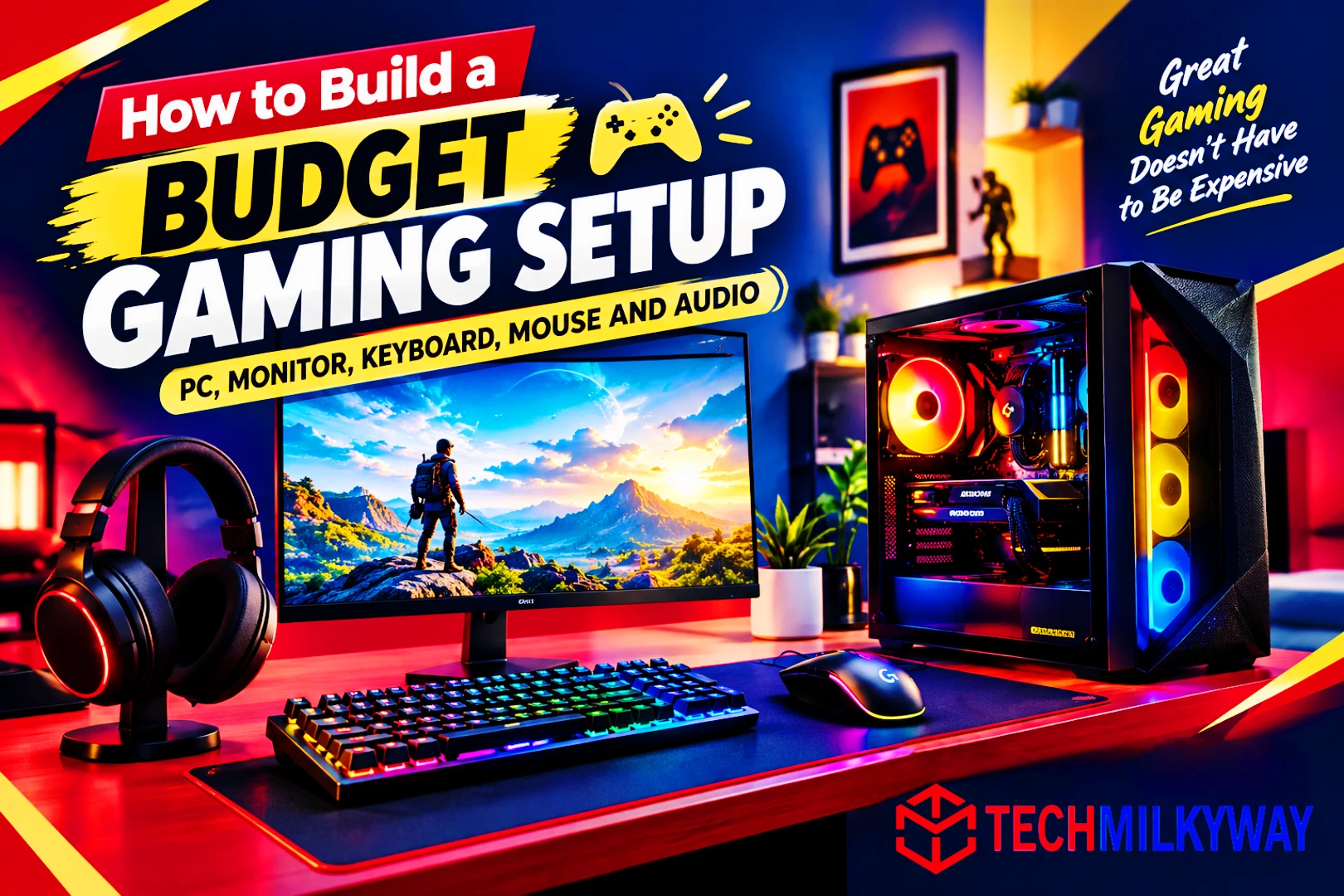
Quick Answer: The simplest way to learn how to build a budget gaming setup in 2026 is to start with a Ryzen 5 5600 + RTX 5060 PC on DDR4. Then add a Dell SE2426HGS 240Hz monitor, a Royal Kludge R65 keyboard, a Logitech G305 LIGHTSPEED mouse and a HyperX Cloud Stinger 2 headset. This 1080p plan skips pricey DDR5 and puts your money into the parts you’ll feel most while gaming.
Building a gaming setup on a budget is harder this year than it has been in a long time. AI demand is soaking up memory and silicon supply, so RAM, graphics cards and SSDs all cost more. Budget gaming PCs now start closer to $900 than $500.
The good news is that peripherals have been far less affected. Monitors, keyboards, mice and headsets are still good value. So the smartest move is to spend carefully on the PC and keep everything else lean.
In this guide, you’ll see how to build a budget gaming setup one piece at a time: the PC, monitor, keyboard, mouse and audio. Every pick comes with specs, honest pros and cons, and a clear TechMilkyWay Verdict. If you only need accessories, read our Gaming Accessories guides.
Related Articles:
- ASUS ROG Azoth Keyboards Series 2026: Which Model Should You Buy?
- Sunday Budget Picks: Fifine AmpliGame AM8 — A Budget USB/XLR Mic Worth Buying?
- Redragon M711 Cobra Review: The Best Budget Gaming Mouse You should Buy
- Top 10 Most Popular and Best Games to Play in 2026 Right Now
For more hardware picks, browse our PCs & Components and Gaming Accessories guides.
How Much Does a Budget Gaming Setup Cost in 2026?
A complete setup with a new PC, monitor, keyboard, mouse and headset costs roughly $1,200–$1,550 in the US right now. That doesn’t include a Windows licence, a desk or a chair.
| Part | Our Pick | Approx. Price |
|---|---|---|
| CPU | AMD Ryzen 5 5600 | ~$148-$179 |
| Motherboard | B550 micro-ATX board | ~$90–$140 |
| RAM | 16GB DDR4-3200 (2×8GB) | ~$100–$160 |
| Graphics card | NVIDIA GeForce RTX 5060 8GB | ~$350–$470 |
| SSD | 1TB PCIe 4.0 NVMe | ~$150–$200 |
| Power supply | 650W 80+ Bronze | ~$50 |
| Case | Budget mid-tower or micro-ATX | ~$65 |
| CPU cooler | Included Wraith Stealth | $0 |
| PC subtotal | ~$950–$1,255 | |
| Monitor | Dell SE2426HGS | ~$120–$140 |
| Keyboard | Royal Kludge R65 | ~$50–$60 |
| Mouse | Logitech G305 LIGHTSPEED | ~$30–$50 |
| Headset | HyperX Cloud Stinger 2 | ~$40–$50 |
| Peripherals subtotal | ~$240–$300 |
📌 Price note: RAM, GPU and SSD prices change week to week. Treat every number here as an approximate street price, and check the live price on Amazon before you buy.
How to Build a Budget Gaming Setup: Where to Spend First
Spend in this order and you won’t waste money:
- Graphics card first. It decides your frame rate more than any other part.
- Monitor second. A high-refresh, adaptive-sync screen changes how every game feels. A weak one wastes a good GPU.
- RAM and SSD third. Buy 16GB and 1TB now, then expand when prices ease.
- Keyboard, mouse and headset last. $40–$60 each is enough for a solid setup, and you can upgrade them one at a time.
1. The PC: Ryzen 5 5600 + RTX 5060 (DDR4 Build)
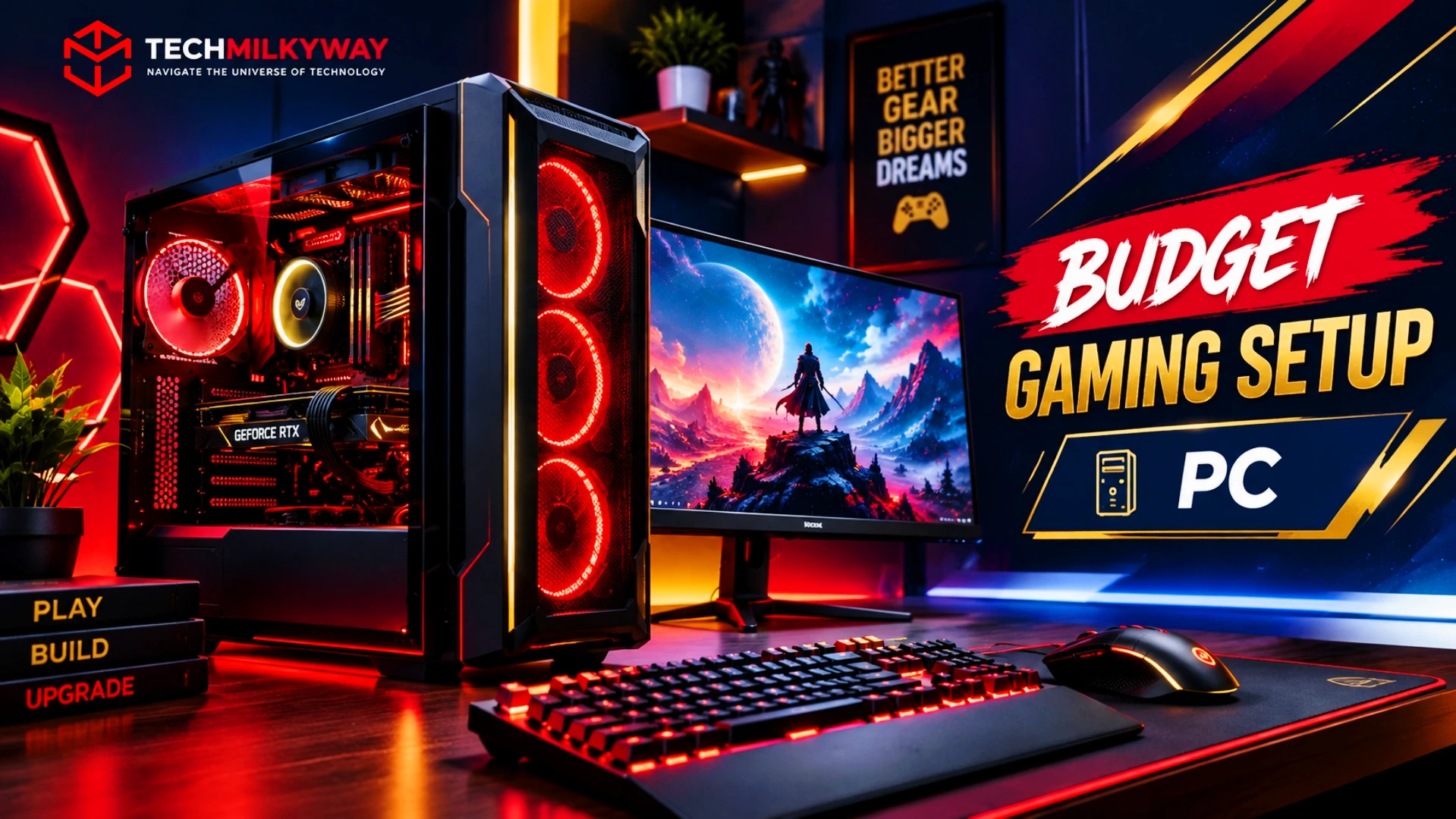
Approx. Total: ~$950–$1,235 | Platform: AM4 / DDR4 | Target: 1080p high refresh
DDR5 is the biggest problem in a 2026 budget build. According to Tom’s Hardware’s RAM price tracker, a 16GB DDR5 kit costs roughly twice as much as a 16GB DDR4 kit at the lowest tracked prices. A 32GB DDR5 kit runs about $400–$430.
That’s why this build sticks with AM4 and DDR4. The Ryzen 5 5600 is still a very capable 1080p gaming CPU, and the RAM savings go straight into the graphics card.
The RTX 5060 is the card that makes the build work. It brings DLSS 4.5 upscaling, Blackwell features and strong esports performance. It’s also rated at 145W, and Nvidia recommends a 550W system power supply. A modest PSU and case are fine.
Key Specifications: Best Budget Gaming PC
| Part | Pick | Key Detail |
|---|---|---|
| CPU | AMD Ryzen 5 5600 | 6 cores / 12 threads, 65W, cooler included |
| Motherboard | B550 micro-ATX (e.g., Gigabyte B550M DS3H AC or ASRock B550M Pro SE) | PCIe 4.0, DDR4, AM4 |
| RAM | 16GB (2×8GB) DDR4-3200 | Dual channel, 2 slots free to expand |
| GPU | NVIDIA GeForce RTX 5060 | 8GB GDDR7, 145W |
| Storage | 1TB PCIe 4.0 NVMe SSD | Plenty fast for gaming |
| PSU | 650W 80+ Bronze | Nvidia recommends 550W; 650W leaves headroom |
| Case | Budget airflow case | Check GPU length fits |
Why This Build Stands Out
- About $100–$160 for 16GB of RAM. At the lowest tracked prices, a DDR5 kit of the same size costs roughly double. That gap decides whether a build fits a budget.
- 64 fps average at 1080p. In Tom’s Hardware’s GPU testing, the RTX 5060 averaged 64 fps across 19 games at high and ultra settings with no upscaling. It also handles esports titles like Fortnite, Counter-Strike 2, Marvel Rivals and Apex Legends with ease.
- DLSS 4.5 on a budget card. Nvidia’s upscaler is in practically every modern game, either natively or through an override in the Nvidia App. You can trade a little resolution for a lot of frame rate.
- A 145W graphics card. A basic 650W Bronze PSU and a cheap case are enough, so you don’t pay for power and cooling you don’t need.
- An upgrade path on AM4. Drop-in CPU upgrades like the Ryzen 7 5700X3D are possible later, although AM4 is an end-of-line platform.
Pros
- Cheapest sensible way to a modern 1080p gaming PC in 2026
- DLSS 4 support and a mature driver stack
- Moderate 145W power draw keeps PSU and case costs down
- Expandable RAM with two slots open
Cons
- 8GB of VRAM is the floor in 2026 and limits 1440p and frame generation
- AM4 is a dead-end platform with no DDR5 upgrade path
- 16GB of RAM works today, but you may want another 16GB later
- The RTX 5060’s street price varies widely between retailers
TechMilkyWay Verdict: This is the best budget gaming PC you can build right now. It isn’t exciting, but it plays current games well at 1080p with sensible settings. In the heaviest AAA titles, expect to lean on DLSS. It also keeps DDR5’s price premium out of your total. If you find the RTX 5060 at the low end of its price range, it’s hard to beat.
🛒 Check the latest Ryzen 5 5600 price on Amazon
🛒 Check the latest RTX 5060 price on Amazon
Alternatives to the Main PC Build
- Spend less: Intel Arc B570 (10GB, ~$259). It’s the lowest-priced card we’d consider right now, and its 10GB of VRAM avoids the 8GB ceiling. The catch is Intel’s less consistent driver and upscaler support in some games. Pick it only if your budget is tight. 🛒 Check the latest Intel Arc B570 price on Amazon
- Skip the RTX 5050. Its median price is around $309 and heading above $400. That’s too much for a 49.5 fps average at 1080p, compared with 64 fps for the RTX 5060. Save up for the RTX 5060 instead.
- Spend more: Radeon RX 9060 XT 16GB (~$520). You get 16GB of VRAM and stronger 1440p performance. However, it costs roughly $100 more than the RTX 5060’s median street price. It also uses AMD’s FSR 4 instead of Nvidia’s DLSS, which is in practically every modern game. 🛒 Check the latest Radeon RX 9060 XT 16GB price on Amazon
- DDR5 instead. If you already own DDR5, or find a bundle that includes RAM with a CPU and motherboard, an AM5 or Intel build gives you a longer upgrade path. A 16GB DDR5 kit on its own costs about $250–$300. 🛒 Check the latest 16GB DDR5 kit prices on Amazon
- Prebuilt instead. Prebuilt prices vary and can change quickly, so price one up before you commit. Tom’s Hardware picked the CyberPowerPC Gamer Xtreme (with an RTX 5060) as its best budget gaming PC at $1,099.99 when tested. Its air cooler is very loud, so check the current price first. 🛒 Check the latest CyberPowerPC Gamer Xtreme price on Amazon
Compatibility check: Make sure your board supports Ryzen 5000 out of the box, or offers BIOS Flashback. Also, never mix DDR4 RAM with a DDR5 motherboard, because they aren’t interchangeable.
2. The Monitor: Dell SE2426HGS
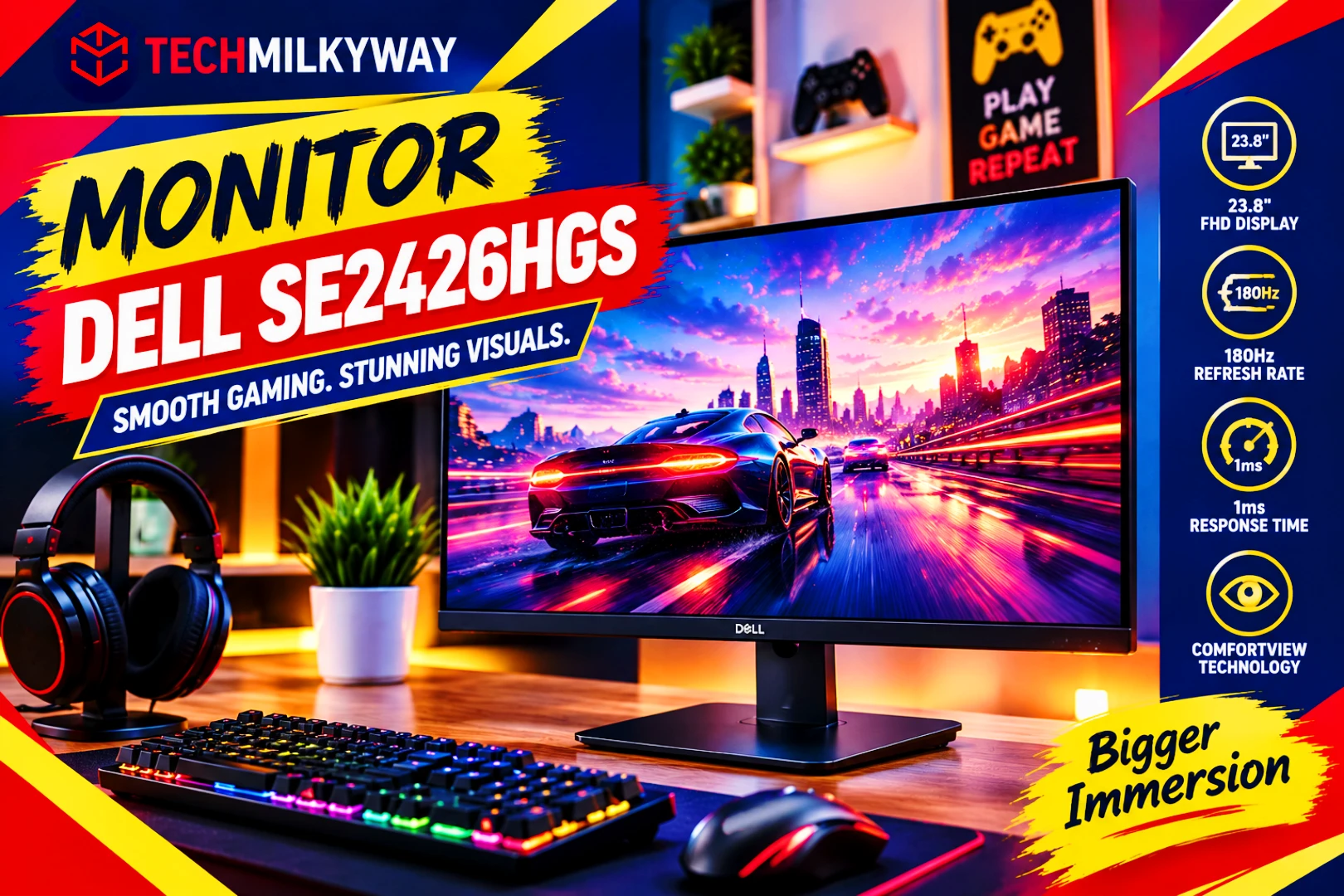
Price: ~$80–$110 | Size: 23.8″ | Resolution: 1080p | Refresh Rate: 240Hz
A $350 graphics card paired with a weak monitor wastes the whole build. The Dell SE2426HGS is a 23.8-inch, 1080p IPS monitor with a 240Hz refresh rate. RTINGS rates it as the best gaming monitor under $200 if you don’t need top picture quality. It’s simple, fast and a good match for the RTX 5060.
1080p is the right resolution here. At native 1440p, the RTX 5060 averaged just 41 fps in the same test suite. A 1440p monitor would need DLSS to stay smooth.
Key Specifications: Dell SE2426HGS
| Spec | Detail |
|---|---|
| Size / Panel | 23.8″ IPS |
| Resolution | 1920 × 1080 |
| Refresh Rate | 240Hz |
| Response Time | 0.5–1ms GtG (Extreme mode) |
| Adaptive Sync | AMD FreeSync Premium / HDMI VRR |
| Inputs | 2× HDMI, 1× DisplayPort |
| Stand | Height, tilt and swivel adjustable |
| Brightness / Contrast | 300 nits / 1,000:1 |
| Warranty | 3-year limited with advanced exchange |
| Price | ~$80–$110 |
Why the Dell SE2426HGS Stands Out
- 240Hz refresh rate. RTINGS compares it directly with the 180Hz LG 24GS65F-B and notes the Dell has the higher refresh rate, while motion handling is similar.
- FreeSync Premium and HDMI VRR. Adaptive sync works over DisplayPort and HDMI. That helps when your frame rate dips below 240.
- A proper sRGB mode. RTINGS notes the Dell’s sRGB mode is much more accurate out of the box than the LG’s. Dell also rates the panel at 99% sRGB coverage.
- A height-adjustable stand. Check that the listing says SE2426HGS or “Adjustable Stand,” because Dell also sells a version without it.
Pros
- Best-value gaming monitor under $150
- 240Hz keeps even esports titles smooth
- Accurate sRGB mode and FreeSync Premium
- Height-adjustable stand
Cons
- 1080p only, with modest 300-nit brightness
- Standard IPS contrast (1,000:1 rated), so blacks look gray in a dark room
- 24 inches feels small if you sit far from your desk
TechMilkyWay Verdict: For a budget PC, the Dell SE2426HGS is the monitor to buy. It’s fast, affordable and the right resolution for the RTX 5060. Don’t spend more on a 1440p screen until your graphics card can drive it.
🛒 Check the latest Dell SE2426HGS price on Amazon
Step-Up Monitor: AOC Q27G40XMN (1440p, 180Hz, Mini-LED)
Want a bigger, sharper screen? Look at the AOC Q27G40XMN. It’s a 27-inch 1440p VA monitor with a 180Hz refresh rate and a Mini-LED backlight with local dimming. RTINGS names it the best monitor under $200 it has tested, and Tom’s Hardware’s review praised its brightness and contrast. Its contrast and HDR are much better than a typical IPS monitor at this price.
There are catches, though. The price swings between roughly $200 and $250 depending on the retailer. VA panels can also show more motion smearing than IPS. It has no speakers or USB ports, and the stand only tilts. You’ll want DLSS to hit high frame rates at 1440p on an RTX 5060.
🛒 Check the latest AOC Q27G40XMN price on Amazon
3. The Keyboard: Royal Kludge R65
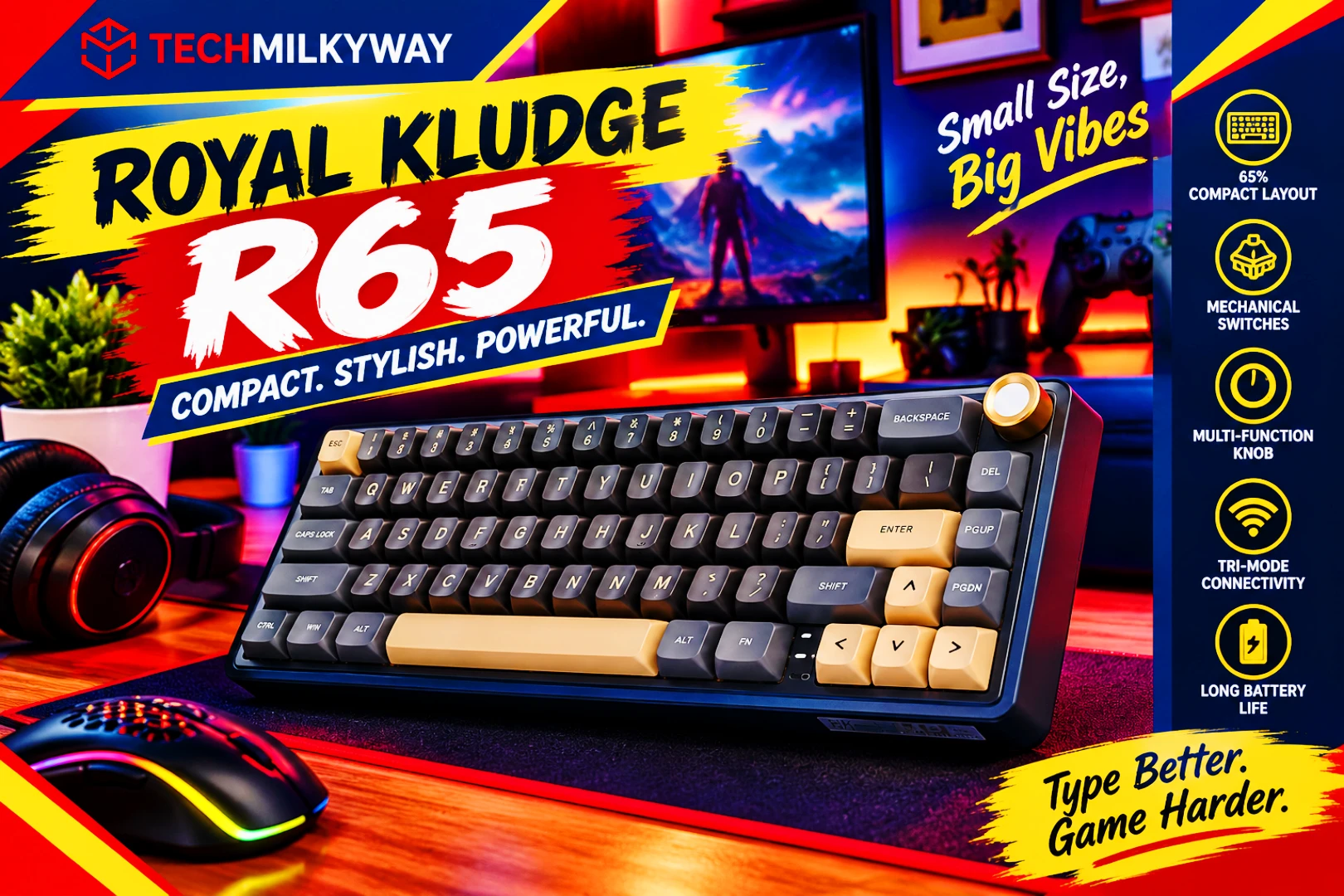
Price: ~$50–$60 | Layout: 65% (66 keys) with arrow keys | Switches: RK Cream linear | Connection: Wired (wireless version sold separately)
Budget mechanical keyboards have improved a lot, and the Royal Kludge R65 shows why. It has a gasket-mount design, and its pre-lubed linear switches feel and sound better than you’d expect at this price.
It also keeps dedicated arrow keys, which many 60% boards drop. Its compact size frees up desk space for wide mouse swipes.
Key Specifications: Royal Kludge R65
| Spec | Detail |
|---|---|
| Layout | 65%, 66 keys with dedicated arrow keys |
| Switches | RK Cream linear (lubed, hot-swappable) |
| Keycaps | PBT, MDA profile |
| Mount | Gasket mount with multiple layers of sound absorption |
| Backlight | Per-key RGB |
| Connection | Wired on the model most reviewers test; a tri-mode wireless version is a separate listing |
| Customisation | QMK/VIA |
| Price | ~$50–$60 |
Why the Royal Kludge R65 Stands Out
- Hot-swappable switches. You can swap in 3-pin or 5-pin switches later without soldering.
- Gasket mount and sound dampening. Reviewers say it sounds better than many keyboards that cost far more.
- PBT keycaps. They resist shine and wear better than the ABS caps on most keyboards at this price.
- QMK/VIA support. You can remap keys in the browser-based VIA app without installing software.
Pros
- Premium look and feel for the price
- Hot-swappable, lubed linear switches
- Dedicated arrow keys on a compact layout
- Remappable with QMK/VIA
Cons
- The wired model is the one most reviewers test, and wireless is a separate, pricier listing
- Linear-only switches may not suit people who prefer a tactile or clicky feel
- The compact layout drops the function row and numpad, so it takes some getting used to
TechMilkyWay Verdict: The Royal Kludge R65 is the best budget gaming keyboard for most people. Reviewers say it sounds and feels better than many keyboards that cost far more. The hot-swap sockets also mean it can grow with you. If you want wireless, check the separate tri-mode listing and compare the price.
🛒 Check the latest Royal Kludge R65 price on Amazon
Cheaper Alternative: Havit KB487L (~$40)
Need a numpad? The Havit KB487L is a TKL-sized board that swaps the navigation cluster for a number pad. It uses Outemu Red linear switches and PBT keycaps, and it typically sells for about $36–$40. The odd layout moves the navigation keys, so make sure you can live with it first. If you later want to go premium, see our ASUS ROG Azoth keyboard guide.
🛒 Check the latest Havit KB487L price on Amazon
4. The Mouse: Logitech G305 LIGHTSPEED
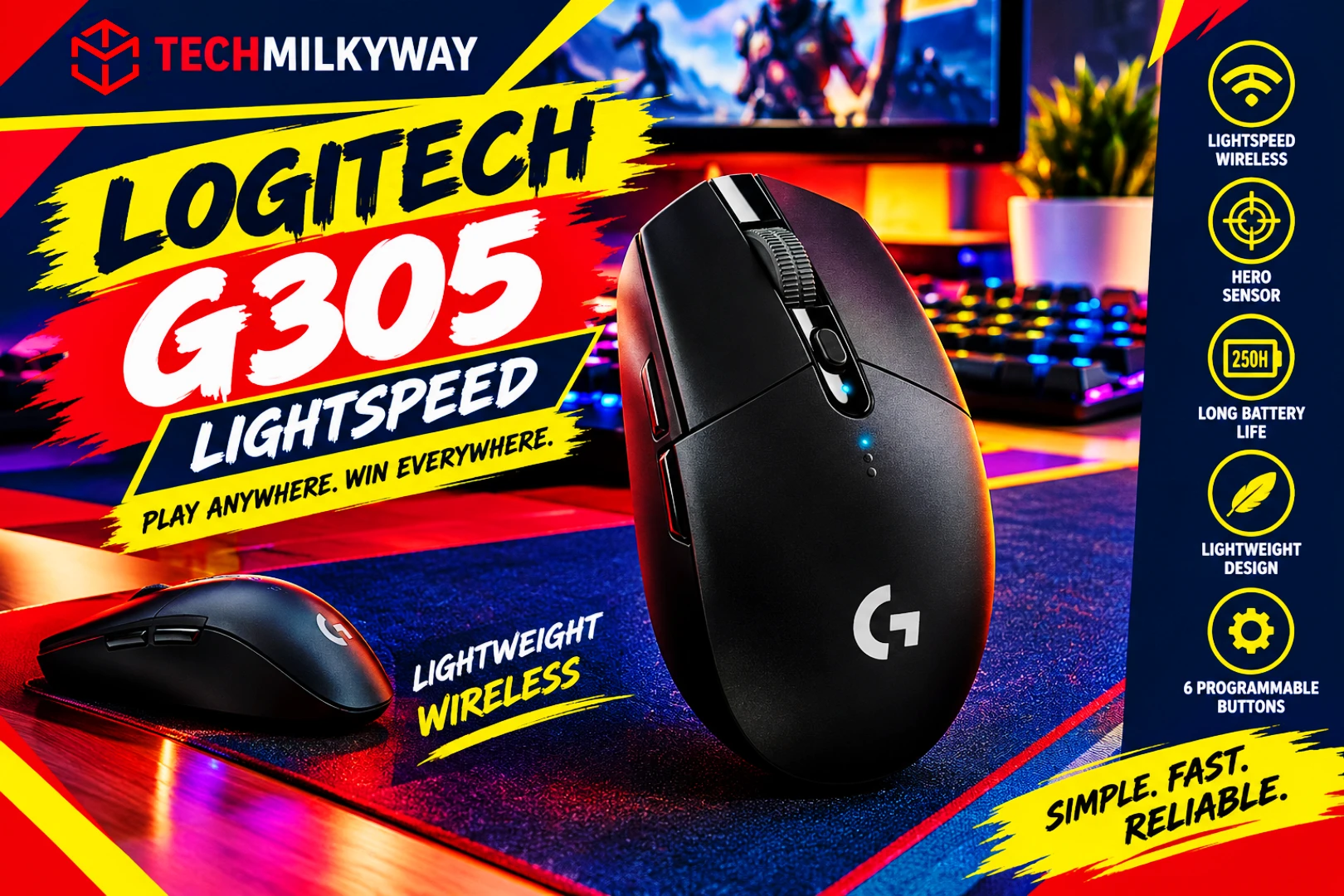
Price: ~$30–$50 | Sensor: HERO 12K | Weight: ~99g with AA battery | Connection: 2.4GHz wireless
The Logitech G305 has been the budget wireless benchmark for years. It’s still one of the most recommended cheap wireless mice, although PC Gamer now ranks the Mchose G3 V2 Pro slightly ahead. LIGHTSPEED wireless delivers a 1ms report rate that behaves like a wired connection. The HERO sensor is also reliable and precise.
Key Specifications: Logitech G305 LIGHTSPEED
| Spec | Detail |
|---|---|
| Sensor | HERO 12K |
| Weight | ~99g with AA battery |
| Wireless | LIGHTSPEED 2.4GHz, 1ms report rate |
| Battery | 1× AA, up to ~250 hours |
| Price | ~$30–$50 |
Why the Logitech G305 Stands Out
- About 250 hours on one AA battery. A rechargeable mouse needs charging far more often, and a spare AA takes seconds to swap.
- LIGHTSPEED wireless at around $30. It’s the same wireless technology Logitech uses on its premium mice.
- A HERO 12K sensor. It’s accurate enough for competitive play without paying for flagship sensors.
- A symmetrical egg shape. It’s comfortable for many grip styles.
Pros
- Excellent wireless performance for the price
- Very long battery life
- Reliable sensor and well-made shape
Cons
- Heavier than modern ultralight mice at ~99g with the battery
- No Bluetooth and no RGB lighting
- Uses a replaceable AA battery instead of USB-C charging
TechMilkyWay Verdict: For most buyers, the Logitech G305 is all the mouse you need. It’s a dependable wireless mouse for around $30–$50. The main compromises are weight and the AA battery.
🛒 Check the latest Logitech G305 LIGHTSPEED price on Amazon
Also Consider
- Mchose G3 V2 Pro (~$30–$40). PC Gamer’s current best budget wireless pick. It copies the G305’s egg shape but weighs about 59g, uses a PAW3395 sensor and offers tri-mode connectivity (2.4GHz, Bluetooth and wired USB-C). If you want a lighter, rechargeable mouse, consider making this your main pick. Check Mchose G3 V2 Pro price on Amazon
- Logitech G203 LIGHTSYNC. A long-running budget wired favorite (~$23–$35) if you’d rather skip batteries.
- Redragon M711 Cobra. A cheap wired RGB option (~$20–$25) that we’ve already covered in our Redragon M711 Cobra review.
5. The Audio: HyperX Cloud Stinger 2
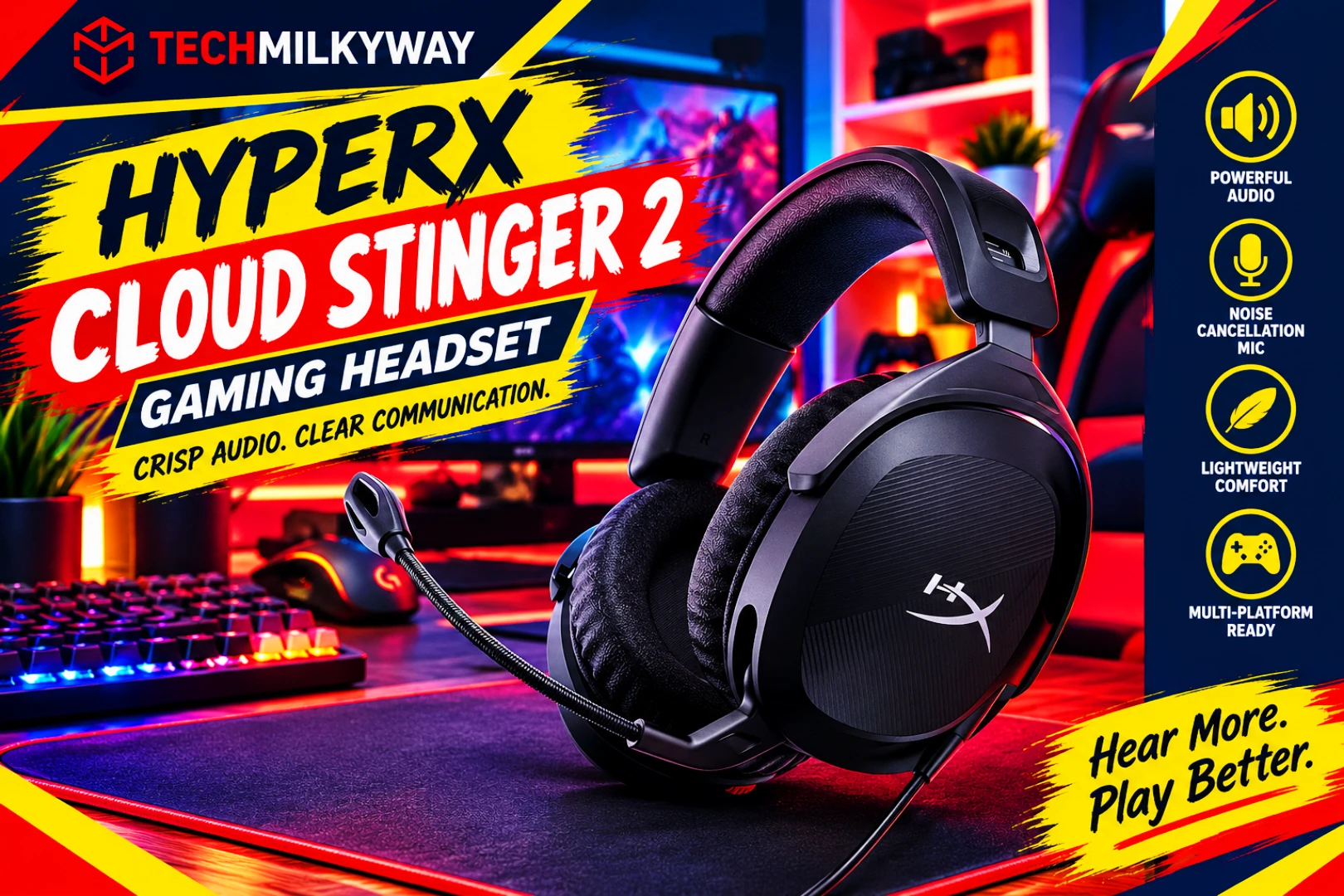
Price: ~$45–$50 | Connection: Wired 3.5mm | Type: Over-ear with mic
Good gaming audio doesn’t need to cost a lot. The HyperX Cloud Stinger 2 is a lightweight (275g) wired headset with memory-foam ear cups and a swivel-to-mute microphone. Reviewers generally describe its sound as good for the price.
Key Specifications: HyperX Cloud Stinger 2
| Spec | Detail |
|---|---|
| Type | Over-ear, closed-back |
| Connection | Wired, 3.5mm |
| Drivers | 50mm dynamic |
| Microphone | Swivel-to-mute boom |
| Weight | 275g |
| Comfort | Memory-foam ear cups |
| Price | ~$45–$50 (MSRP $49.99) |
Why the HyperX Cloud Stinger 2 Stands Out
- Under $50. HyperX lists it at $49.99, and sales have taken it as low as about $30.
- Lightweight at 275g. However, some reviewers found the padding gets uncomfortable after about two hours.
- Plug-and-play. A 3.5mm headset needs no software, drivers or USB dongle.
- DTS Headphone:X spatial audio on PC. HyperX includes a 2-year activation code, so you get positional audio without a premium price.
Pros
- Good sound for the price
- Lightweight at 275g
- Swivel-to-mute microphone
- No software or dongle required
Cons
- Wired only
- The microphone is good for chat, not for streaming
- Plastic build
TechMilkyWay Verdict: The Cloud Stinger 2 is the safe budget headset pick. It sounds good for the price, it’s light, and it works on every platform with a headphone jack.
🛒 Check the latest HyperX Cloud Stinger 2 price on Amazon
Alternative: Razer BlackShark V2 X (~$30–$40)
The Razer BlackShark V2 X is the other popular budget pick. It’s a wired 3.5mm headset with 50mm drivers, memory-foam cushions and a cardioid microphone. At 240g, it’s lighter than the Cloud Stinger 2. Its 7.1 surround is software-based and Windows-only, according to Razer’s product page. The price swings from around $30 on sale to $40 list, so buy it only when it’s discounted.
If you want a better microphone for chatting or streaming, pair either headset with a USB mic like the one in our Fifine AmpliGame AM8 review.
🛒 Check the latest Razer BlackShark V2 X price on Amazon
How We Chose These Budget Gaming Picks
Every pick in this guide had to meet four rules:
- Realistic 2026 pricing. We based the budget on current retail pricing in early October 2026, not launch MSRPs.
- Strong independent test data. We leaned on published lab results and expert reviews, not spec sheets alone.
- Balanced for 1080p. Every part targets the same goal, so nothing is wasted or bottlenecked.
- Room to upgrade. Where possible, you can expand or replace the part later (RAM slots, hot-swap keyboard, 3.5mm headset).
This guide is based on published test data and current pricing. We didn’t hands-on test every product listed.
Full Setup Comparison Table
| Part | Pick | Approx. Price | Best At |
|---|---|---|---|
| PC | Ryzen 5 5600 + RTX 5060 (DDR4) | ~$950–$1,235 | Best budget 1080p gaming PC |
| Monitor | Dell SE2426HGS | ~$120–$140 | 1080p 240Hz value |
| Step-up monitor | AOC Q27G40XMN | ~$200–$300 | 1440p contrast + HDR |
| Keyboard | Royal Kludge R65 | ~$50–$60 | Feel and hot-swap value |
| Cheaper keyboard | Havit KB487L | ~$40 | Numpad on a budget |
| Mouse | Logitech G305 LIGHTSPEED | ~$30–$50 | Budget wireless |
| Headset | HyperX Cloud Stinger 2 | ~$30–$50 | Comfort and sound for the money |
| Alt. headset | Razer BlackShark V2 X | ~$40–$60 | Lightweight competitive audio |
Which Budget Gaming Setup Should You Build?
Build the main setup if you want a modern 1080p gaming PC at the lowest sensible cost and you’re happy to skip DDR5 for now.
Swap the GPU for an Arc B570 if you’re saving every dollar and you’re comfortable with Intel’s less consistent software support.
Step up to the AOC Q27G40XMN if you want a bigger 1440p screen and you’re willing to use DLSS to keep frame rates high.
Buy a prebuilt if you don’t want to build a PC and you prefer a single warranty. Just make sure the price is close to the cost of the parts.
Choose the Havit KB487L if you need a number pad and have only about $40 to spend on a keyboard.
Choose the Mchose G3 V2 Pro if you want a lighter, rechargeable mouse with a newer sensor and you can find it around $35–$40.
Frequently Asked Questions
What is the best way how to build a budget gaming setup in 2026?
Start with a 1080p PC built around a Ryzen 5 5600 and an RTX 5060 on DDR4. Then add a 240Hz monitor and three affordable peripherals. This plan puts the biggest share of your budget into the GPU and monitor, which matter most.
How much does a budget gaming setup cost in 2026?
A complete setup with a new PC, monitor, keyboard, mouse and headset costs roughly $1,200–$1,550 at current US prices. RAM, GPU and SSD prices are unusually high in 2026, so the PC makes up most of that total.
Why does this build use DDR4 instead of DDR5?
Both have surged in price. Still, a 16GB DDR5 kit costs about $250–$400, against roughly $100–$200 for 16GB of DDR4-3200. In a GPU-limited 1080p build, that gap buys far more as a better graphics card. So the DDR4 savings go there.
Is 16GB of RAM enough for gaming in 2026?
Yes, for a budget 1080p build, although it’s a floor and not a target. A 32GB DDR4-3200 kit costs about $200, so adding a second 16GB kit later is a modest upgrade.
Is 8GB of VRAM enough in 2026?
It’s enough for 1080p gaming, and it’s the minimum for new games. However, it limits frame generation and 1440p with high textures. If you can stretch your budget, a 12GB or 16GB graphics card is more future-proof.
Should I buy a 1080p or 1440p monitor?
For a budget GPU like the RTX 5060, 1080p at 144–240Hz is the better match. A 1440p monitor works if you’re willing to use DLSS upscaling.
Should I buy a prebuilt gaming PC instead?
It can make sense, but prebuilt prices vary and can change quickly with component costs. Compare the total against the parts list above. Tom’s Hardware rated the CyberPowerPC Gamer Xtreme its best budget prebuilt at $1,099.99 when tested. Check the current price first, and note that its air cooler is very loud.
Do I need a mechanical keyboard for gaming?
No, a membrane keyboard works fine. However, budget mechanical boards like the R65 and the Havit KB487L now start around $36–$60, which makes the upgrade affordable. The Royal Kludge R65 is the one we’d pick.
What should I upgrade first later?
Start with RAM. Adding a second 16GB DDR4 kit is the cheapest upgrade. After that, move to a larger SSD and, eventually, a graphics card with more VRAM.
🌌 TechMilkyWay Final Verdict
Now you know how to build a budget gaming setup without overspending. DDR5 and high-VRAM graphics cards are expensive in 2026, so the smartest build is a DDR4 Ryzen 5 5600 and RTX 5060 PC. Pair it with a fast 1080p monitor and three peripherals that cost about $60 or less each.
It won’t win benchmarks. But it will run current games well at 1080p and leave room to upgrade.
If you have to cut something, cut the extras. Keep the graphics card and the monitor.
Navigate the Tech Universe wisely. You don’t need to overspend to game well.
TechMilkyWay — Navigating the Universe of Technology.
For more hardware picks, browse our Buying Guides and Gaming sections.
Quick Link: Home | Blog | News & Reviews | Gadgets & Accessories | PCs & Components | Devices | Audio | Buying Guides | Gaming | How-To Guides | Contact Us | About Us | Disclaimer | Privacy Policy | Terms & Conditions | DMCA | Facebook | Instagram | Tumblr | Sitemap
Affiliate Disclosure: Prices listed are approximate and subject to change. Always check the latest pricing via the Amazon links above. TechMilkyWay participates in the Amazon Associates Program. If you purchase through our links, we may earn a small commission at no extra cost to you. This helps keep the lights on — thank you for your support. Read our full Affiliate Disclaimer.
© 2026 TechMilkyWay. All rights reserved.