
Valve Steam Controller 2026 Review: The Ultimate Best $99 Gamepad?

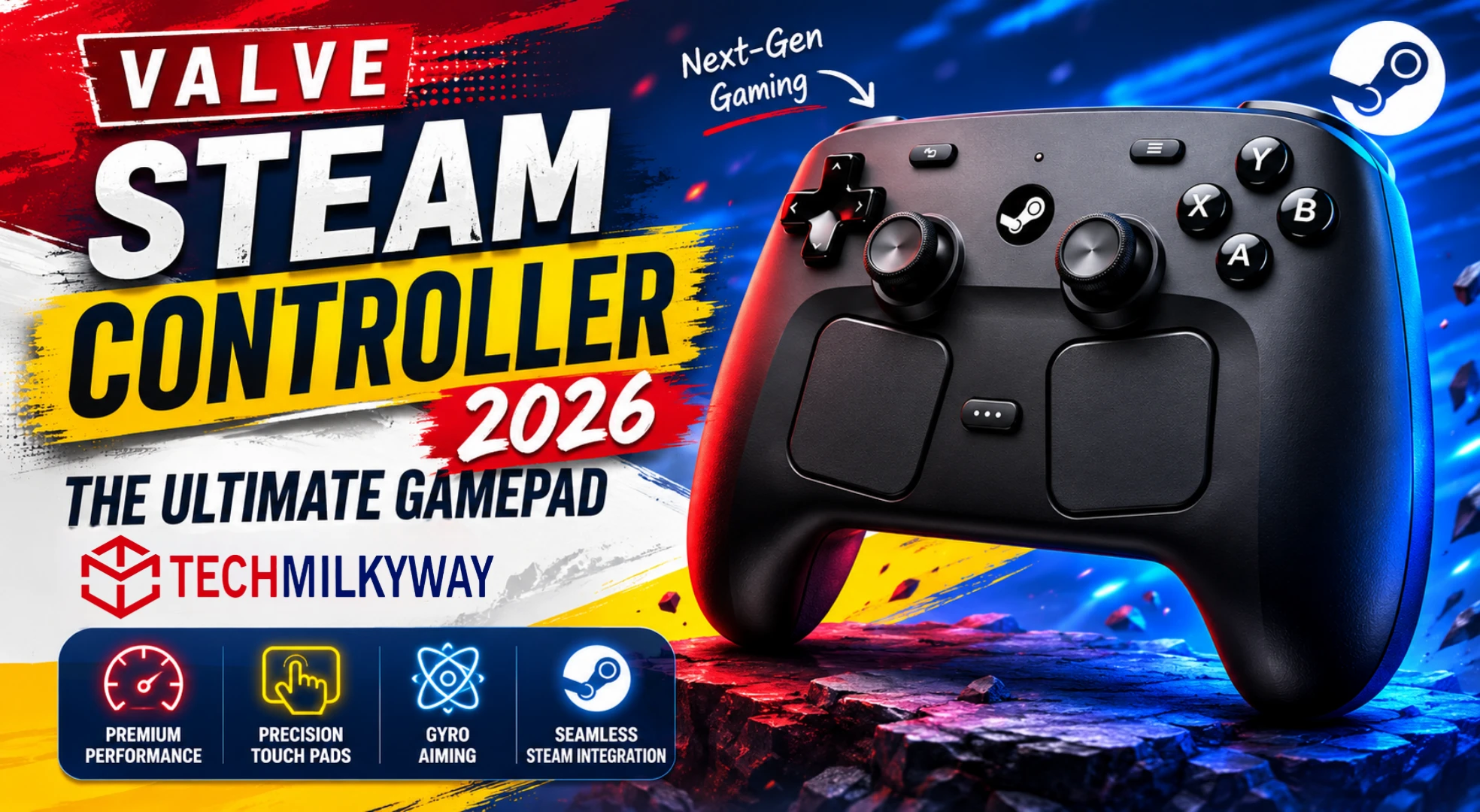
⚡ Quick Answer: The Valve Steam Controller (2026) is a massive upgrade from the 2015 original. It features drift-free TMR magnetic thumbsticks, dual 34.5mm haptic trackpads, Grip Sense gyro controls, four rear grip buttons, and 35+ hours of wireless battery life — all for $99. It is the best gamepad for Steam-first PC gamers in 2026, but its advanced features are tied to the Steam ecosystem.
Valve Steam Controller 2026 review — and the verdict is clear: this is the gamepad Valve should have made a decade ago.
The original Steam Controller launched in 2015 with enormous ambition — one thumbstick, two giant trackpads, and a steep learning curve. Valve listened, learned, and went quiet for over a decade.
The 2026 Steam Controller is the comeback. It is, in almost every meaningful way, exactly what the original should have been. If you have been following Valve’s full hardware push this year — including the Steam Machine and Steam Frame VR headset, this controller is the first piece of that ecosystem to actually ship.
What This Review Covers
- Full specs breakdown
- TMR thumbstick technology explained
- How the dual trackpads actually perform
- Grip Sense and gyro in practice
- Steam Puck wireless system
- Software and customization
- Full verdict and who should buy it
- Where to buy and best alternatives
Valve Steam Controller 2026 Review — Specs at a Glance
| Feature | Detail |
|---|---|
| Thumbsticks | Dual TMR magnetic sticks (drift-free) |
| Trackpads | Dual 34.5mm haptic pads with LRA motors |
| Gyroscope | 6-axis with Grip Sense activation |
| Rear Buttons | 4 fully assignable grip buttons |
| Connectivity | 2.4GHz (Puck) / Bluetooth / USB-C |
| Battery Life | 35+ hours (up to 73 hours in testing) |
| Charge Time | Under 3.5 hours |
| Price | $99 USD / £85 / €99 |
Design and Build Quality
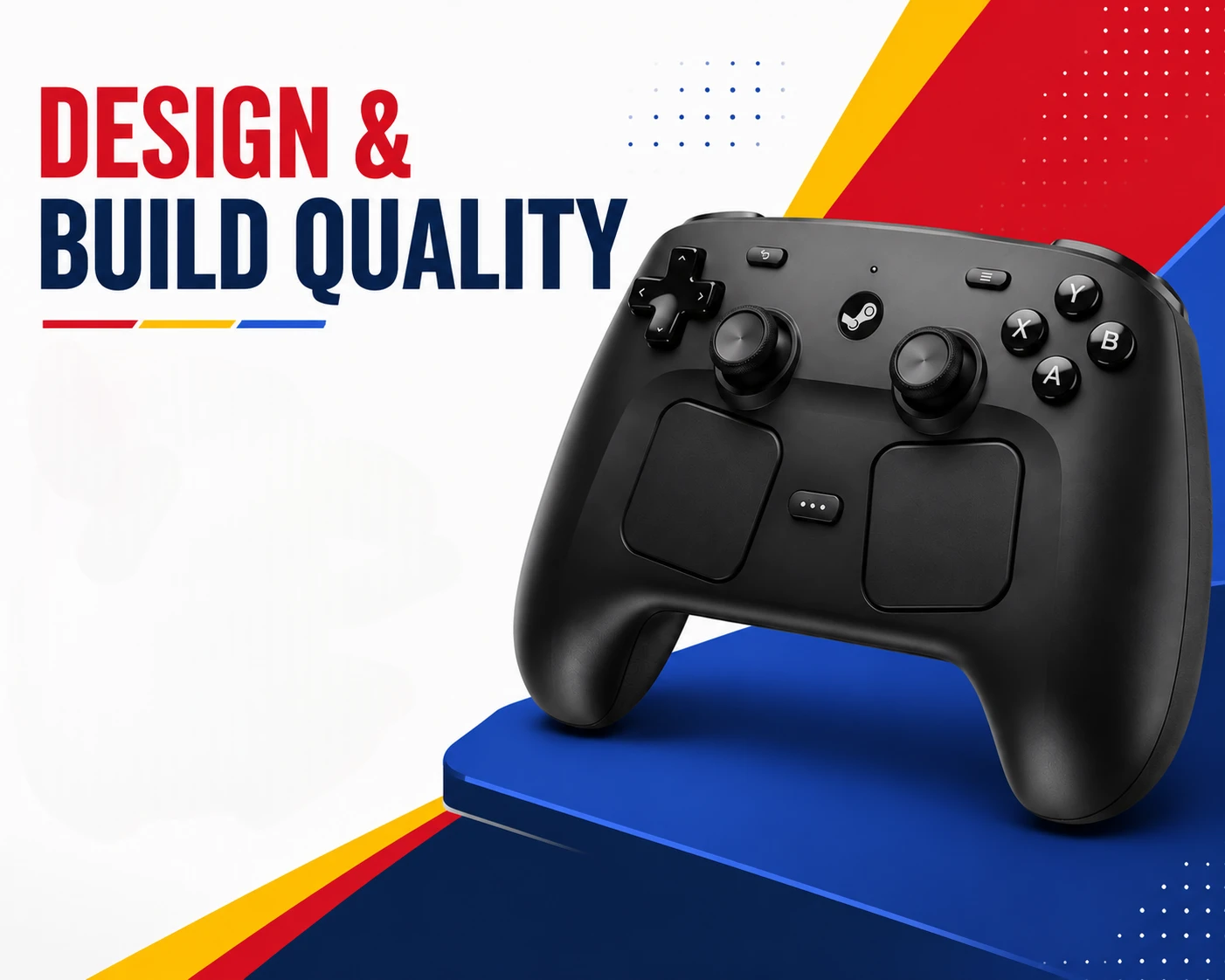
The Valve Steam Controller (2026) feels immediately familiar if you have ever used a Steam Deck. Valve has borrowed that layout almost completely: dual thumbsticks, dual trackpads, A/B/X/Y buttons, a D-pad, two analog triggers, two bumpers, and four rear grip buttons.
What makes it different from every other controller on the market is what sits between the thumbsticks — two large 34.5mm pressure-sensitive haptic trackpads. Each pad is backed by a Linear Resonant Actuator (LRA) for precise tactile feedback. These are not a gimmick. They are the reason this controller exists.
Build quality is solid. It is lighter than a Sony DualSense and feels slightly more plasticky than an Xbox Elite controller, but button feel is crisp and the triggers have satisfying travel. Repairability is a genuine highlight — Valve partnered with iFixit and used standard non-security Torx screws throughout. You can replace the battery or swap components with no warranty concerns.
1. TMR Thumbsticks — Stick Drift Is Finished
This is the single most important feature on the Valve Steam Controller (2026).
Tunneling Magnetoresistance (TMR) technology determines stick position using a contactless magnetic field. There are no physical potentiometers or even Hall Effect sensors involved. Because there is no physical contact between moving parts, there is no friction, no wear, and theoretically no drift — ever.
Valve already proved this technology works through the Steam Deck OLED, which uses the same system and has held up well in real-world testing. TMR also offers higher sensor resolution than Hall Effect, which you notice most in shooters and racing games where precision matters.
In use, the sticks feel tight, responsive, and more accurate than both the DualSense and Xbox Series controllers. Dead zones are minimal out of the box, and Steam Input lets you tighten them further.
2. Dual Haptic Trackpads — Your Mouse, From the Couch
The trackpads are the reason to buy the Valve Steam Controller 2026 over any DualSense or Xbox controller.
The left trackpad defaults to scrolling. The right pad handles your mouse pointer. Together, they make genres that have always been hostile to gamepads genuinely playable from a sofa — real-time strategy, 4X, point-and-click adventure, and full desktop navigation.
This matters for living room PC setups too. Whether you are running games from a budget laptop connected to a TV or from a desktop PC, the trackpads give you full mouse-quality control without getting up. For the best laptops to pair with this setup, see our Best Budget Laptops in 2026 guide.
The LRA haptic feedback is excellent. You get distinct vibration profiles for clicking versus swiping. Pressure sensitivity allows different input behaviors depending on how hard you press. After a short learning period, mousing around Steam with the right trackpad feels natural.
3. Grip Sense and Gyro Controls
The Valve Steam Controller 2026 includes a 6-axis gyroscope activated by Valve’s Grip Sense feature.
When you firm up your grip on the rear surfaces — or touch the capacitive areas on the thumbsticks — the gyro turns on automatically. Releasing your grip turns it off. No button-holding required.
In shooters, you use the thumbstick to rough-aim, then tilt the controller for fine precision. It takes a short adjustment period, but it adds a level of accuracy no standard gamepad can replicate. If you are currently playing any of the best games of 2026 — especially FPS or strategy titles — Grip Sense could change how you approach them entirely.
4. The Steam Puck — Wireless Done Right
The Steam Puck is one of the most practical accessories Valve has shipped in years.
This small circular base does two things at once. It is a 2.4GHz wireless transmitter with an approximately 4ms polling rate. It is also a magnetic charging dock the controller snaps onto with a satisfying click.
You never search for a cable. You set the controller on the Puck when you are done. Bluetooth and wired USB-C are also supported for flexibility.
Battery life on 2.4GHz is rated at 35+ hours by Valve. Independent benchmarks pushed that significantly higher — some tests recorded up to 73 hours of real gameplay. This is one of the longest-lasting wireless controllers ever made.
5. Steam Input — Deep Customization, Steep Learning Curve
Steam Input is the software backbone of the Valve Steam Controller 2026. It allows per-game configuration profiles, community-shared layouts, and almost unlimited remapping of every input on the controller.
The depth here is unmatched. No other gamepad software ecosystem comes close.
The trade-off is complexity. Setting up Action Sets for different genres is powerful but unintuitive. Managing profiles across multiple games can lead to accidental overwrites. Some features, including Guide Button Chords, behave inconsistently for some users. Running Steam with administrator privileges is also required for full input control in certain games — something Valve does not document clearly.
For most players, the default profiles are good enough and the experience within Steam is seamless. Power users will love the depth. Casual users will occasionally hit walls.
Valve Steam Controller 2026 Review — Performance
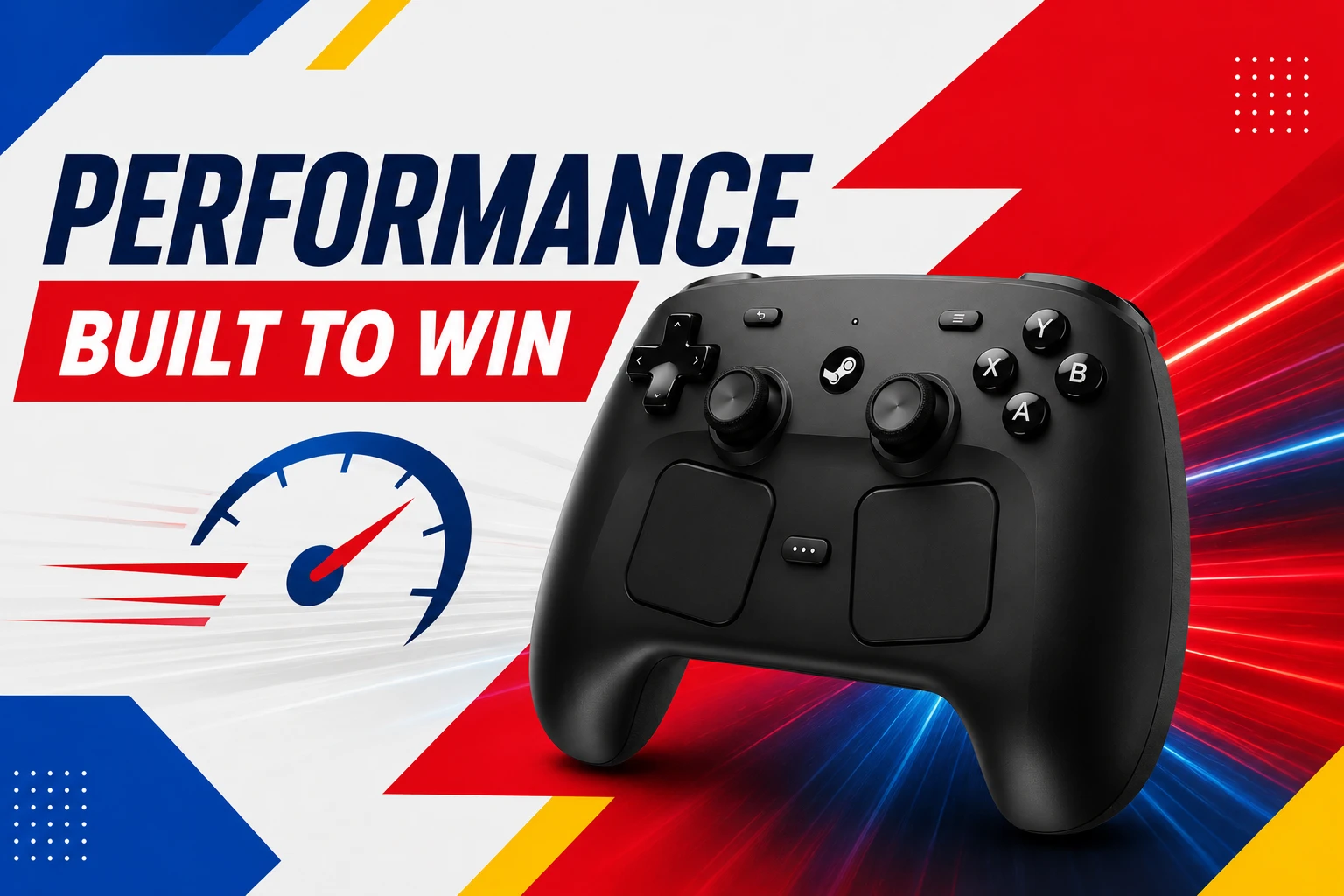
For everyday Steam gaming — action, RPG, platformers, strategy — the Steam Controller 2026 performs excellently. The 2.4GHz Puck connection feels snappier than Bluetooth and inputs register immediately.
Its strongest suit is versatility. No other $99 controller lets you aim with gyro, scroll a strategy map with a trackpad, click through a point-and-click game, and navigate your full desktop — all from the couch. Paired with Valve’s broader Steam ecosystem including the Steam Machine, this becomes the definitive living room PC input device.
Where it cannot compete is competitive gaming. The absence of adaptive triggers and mechanical trigger stops means it is not the right pick for esports-level play. The Xbox Elite Series 2 and SCUF Instinct remain better tools for that use case.
Pros and Cons
✅ Pros
- TMR thumbsticks eliminate stick drift permanently
- Dual haptic trackpads deliver real mouse-quality control from a sofa
- 35+ hour battery life (up to 73 hours in independent testing)
- Grip Sense gyro is intuitive and precise once learned
- Modular repairability with iFixit support
- Steam Puck doubles as wireless transmitter and charging dock
- $99 price is competitive for this feature set
❌ Cons
- Steam ecosystem lock-in — advanced features unavailable on Epic or Game Pass without extra setup
- No adaptive triggers (DualSense has this)
- Steam Input software is complex for casual users
- Sold out at launch — stock still limited as of May 2026
- Only available through Steam Store for now (no retail)
Should You Buy the Valve Steam Controller 2026?
Buy it if:
- Your game library is primarily on Steam
- You use a living room PC or want couch-to-desktop navigation
- Stick drift has frustrated you on other controllers
- You want trackpad + gyro precision for strategy or FPS games
Skip it if:
- You play across multiple platforms (Epic, Game Pass, PlayStation, Xbox)
- You want adaptive triggers like the DualSense
- You need something available in stores right now
TechMilkyWay Verdict
The Valve Steam Controller 2026 is the best gamepad for Steam-first PC gamers in 2026. Drift-free TMR thumbsticks, dual haptic trackpads, Grip Sense gyro, and 35+ hour battery life create a feature set that no competitor at any price fully matches.
It is not perfect. Software complexity, Steam ecosystem lock-in, and limited stock are real drawbacks. But for couch gaming on Steam, nothing else comes close.
Where to Buy the Valve Steam Controller 2026
⚠️ Stock Notice: The controller sold out in under 30 minutes at launch. Stock is being replenished gradually. Amazon and Best Buy listings are expected as supply increases.
- 🛒 Check Amazon for Stock (affiliate link — we may earn a small commission at no extra cost to you)
- 🛒 Buy Direct — Steam Store
Best Alternatives to the Valve Steam Controller 2026
| Controller | Price | Best For |
|---|---|---|
| GuliKit KingKong 3 Pro | ~$60 | Drift-free gaming |
| 8BitDo Ultimate 2 Wireless | ~$56 | PC, Switch and Android versatility |
| Sony DualSense | ~$75 | Best haptics and adaptive triggers |
| Xbox Wireless Controller | ~$45 | Best plug-and-play PC compatibility |
Frequently Asked Questions
Is the Valve Steam Controller (2026) worth buying? Yes — for Steam-first gamers. The TMR sticks, dual trackpads, gyro, and 35+ hour battery make it the most capable gamepad at $99 in 2026.
Does the Valve Steam Controller work outside Steam? It connects via Bluetooth to other devices but loses most advanced features outside the Steam ecosystem. On Epic Games Store or Game Pass, it behaves like a standard generic gamepad.
Where can I buy the Valve Steam Controller (2026)? Currently only through the Steam Store. Check Amazon here — stock availability is expected to improve at major retailers.
Does the Steam Controller (2026) have stick drift? No. TMR technology is contactless — there are no physical parts to wear down, which eliminates drift by design.
Do I need the Steam Puck to use the controller? No. The controller also supports Bluetooth and wired USB-C. The Puck provides the lowest latency and doubles as a magnetic charging dock.
More From TechMilkyWay
- 🎮 Valve’s Steam Machine and Controller — Full Details 2026
- 🎮 Top 10 Best Games to Play in 2026 Right Now
- 💻 Best Budget Laptops in 2026
- 📱 Best Budget Phones in 2026
- 🔌 PIVA G71 7-in-1 USB-C Hub Review
- 🤖 18 Best AI Apps Everyone Is Using in 2026
🌌TechMilkyWay — Navigating the Universe of Technology.
Affiliate Disclosure: TechMilkyWay participates in the Amazon Associates Program. If you purchase through our links, we may earn a small commission at no extra cost to you. This helps keep the lights on — thank you for your support.
© 2026 TechMilkyWay. All rights reserved.