
Anker Prime 160W vs Anker Charger 140W: Which Should You Buy in 2026?

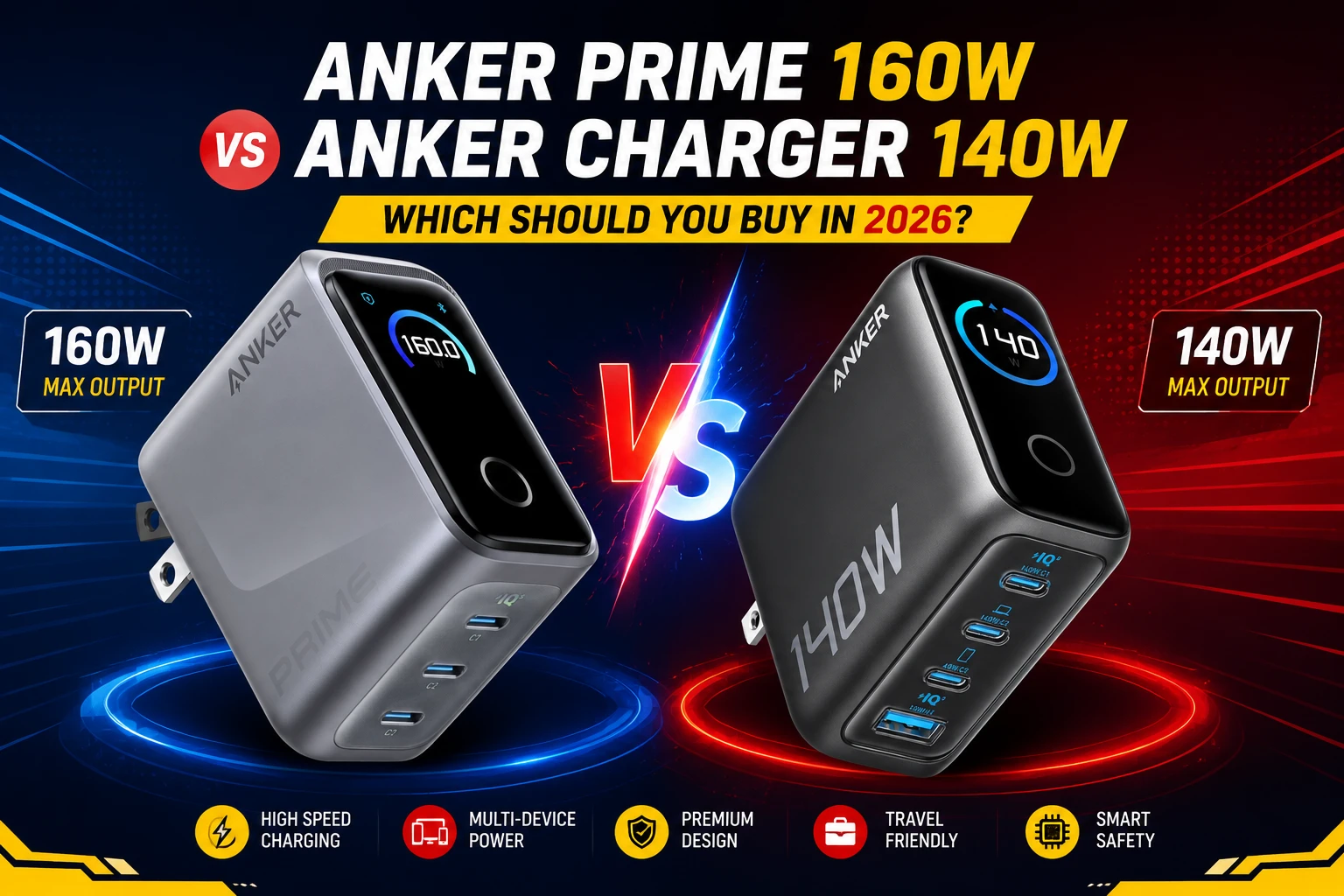
⚡ Quick Answer: The Anker Prime Charger (160W, 3-Port) is the better choice for users who prioritize portability and premium smart controls. The Anker Charger (140W, 4-Port, PD 3.1) is the better value for those charging multiple devices simultaneously.
Anker Prime Charger vs Anker Charger — if you’ve spent any time browsing Anker’s charger lineup, you’ve probably landed on these two models. Both are GaN chargers. Both can fast-charge a laptop. And both keep showing up in the same comparison shopping tabs. So which one should actually end up on your wall?
The short version: it depends on whether you value size or ports more. The Anker Prime Charger (160W, 3 Ports, Smart Display) is built for people who travel light and want the smallest brick possible. The Anker Charger (140W, 4-Port, PD 3.1) is built for people who need to juice up more gadgets at once and don’t mind a slightly bigger footprint. Let’s break down exactly where they differ.
New to GaN, PD, and PPS charging in general? Our GaN, PD, and PPS Charging Explained guide is a good primer before you buy. And if you’re setting up a full desk, either charger pairs nicely with our PIVA G71 USB-C Hub Review.
Anker Prime Charger vs Anker Charger: Spec Comparison
Here’s how the two stack up side by side.
| Feature | Anker Prime Charger (160W, 3-Port) | Anker Charger (140W, 4-Port, PD 3.1) |
|---|---|---|
| Total Output | 160W | 140W (drops to 134W with all 4 ports active) |
| Ports | 3× USB-C | 3× USB-C + 1× USB-A |
| Max Single-Port Speed | 140W sustained, no throttling for 24 hrs | 140W on either of two ports |
| Display | 1.3″ color touch display, 360° auto-rotation | High-definition color display (non-touch) |
| Smart Controls | AI / Standard / Custom modes + Bluetooth app | Real-time power & temperature monitoring |
| Weight | About the size of an AirPods Pro case | 13.93 oz / 395 g |
| Cable Included | No (varies by listing) | Yes — 5 ft, 240W-rated USB-C cable |
| Approx. Price | $140–150 | ~$90 |
| Best For | Travelers & minimalists wanting max portability | Home or office setups charging multiple devices |
Amazon pricing shifts often, so treat these as ballpark figures and double-check before you buy.
Anker Prime Charger (160W, 3 Ports, Smart Display): What It Gets Right
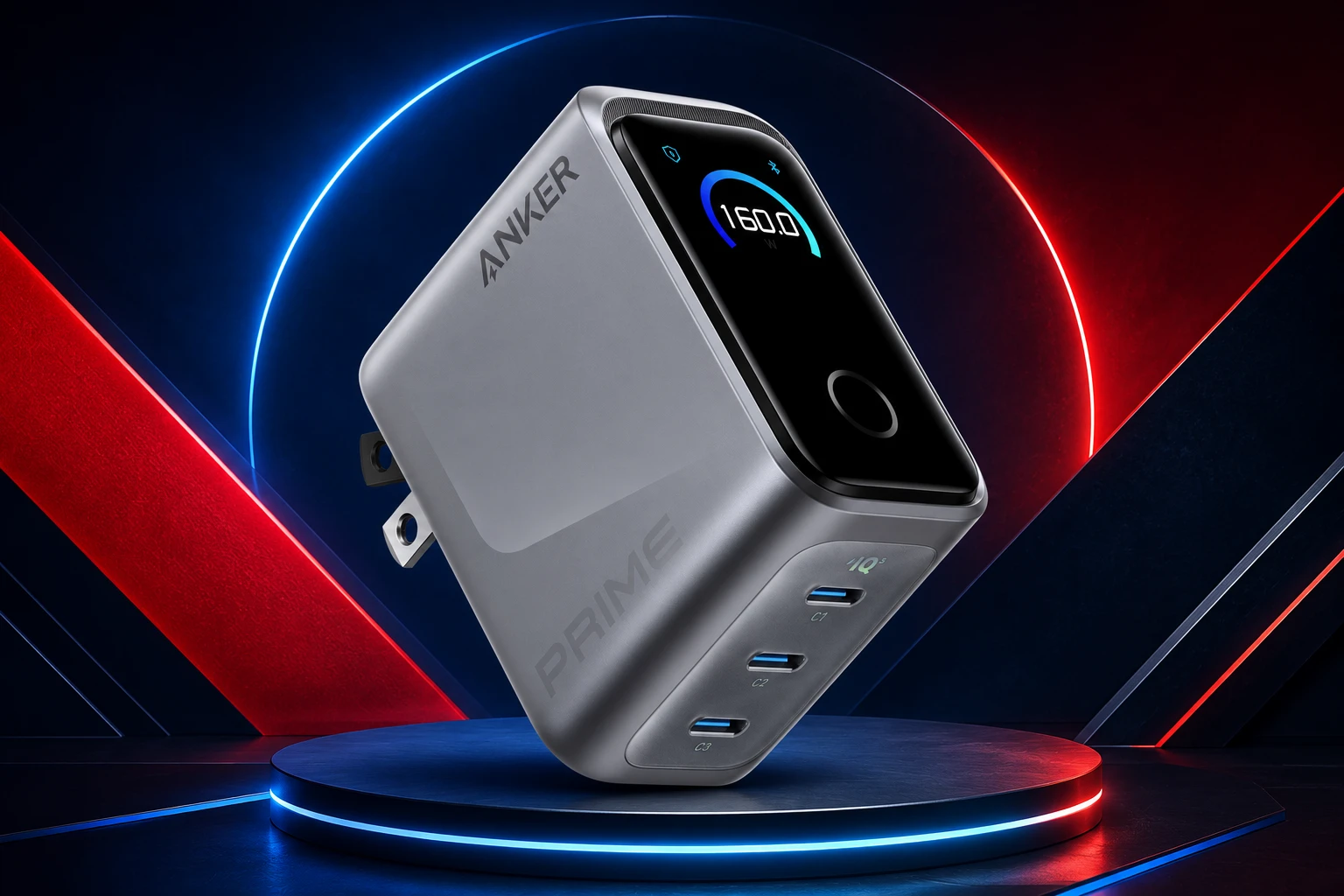
The Anker Prime is Anker’s flagship compact charger. It’s built on GaNPrime 2.0 technology, which is basically what lets it pack 160W of output into something roughly the size of an AirPods Pro case. That’s the whole selling point here: serious power in a genuinely pocketable shell.
It also holds a steady 140W on a single port without derating, so a laptop keeps charging at full speed even during a long work session. In practice, that means a 16-inch MacBook Pro can go from 0 to 50% in about 25 minutes. Meanwhile, its PowerIQ 5.0 system intelligently splits power across all three ports, so it can run a MacBook Pro, an iPhone, and an iPad at the same time, each at full original-charger speed.
The feature that really sets it apart, though, is AnkerSense View — a small display that shows exactly how much power each port is pulling in real time. You can switch between AI, Standard, and Custom charging modes right on the screen, or go deeper through Bluetooth in the Anker app.
Best for: frequent travelers, café workers, or anyone who’d rather carry the smallest charger possible without giving up laptop-charging speed. If you’re shopping for a new machine to go with it, our Best Budget Laptops in 2026 guide is a good next stop.
Anker Charger (140W, 4-Port, PD 3.1): What It Gets Right
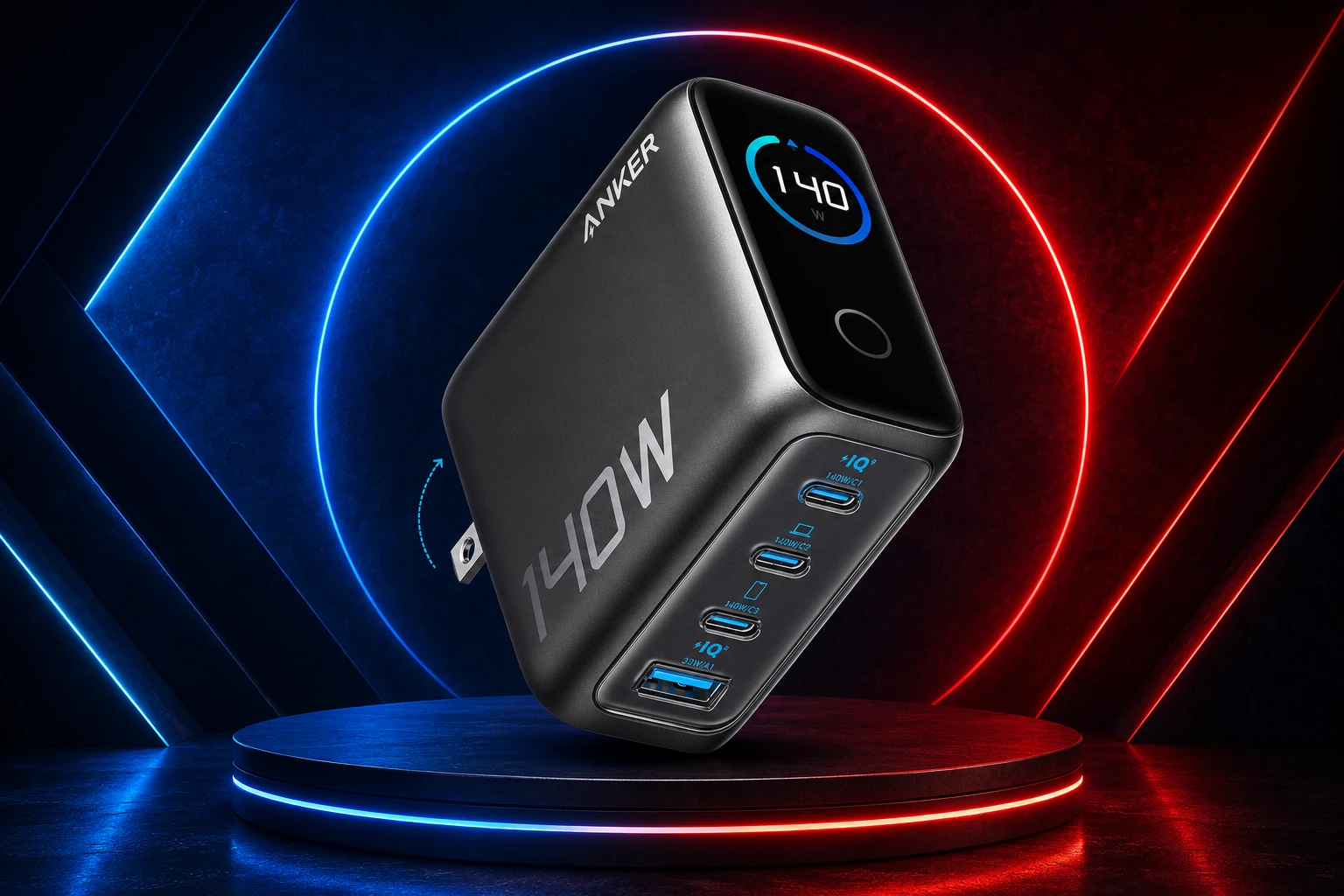
This one takes a different approach. Instead of chasing the smallest possible size, it trades a bit of portability for more ports and a noticeably lower price — which makes it a better fit for a home office or a bedside table where several devices need power at once.
You get 3× USB-C and 1× USB-A, so four devices can charge simultaneously. Two of the USB-C ports can each push up to 140W on their own, which is enough to take a 15-inch MacBook Air to 50% in about 30 minutes. It also comes with ActiveShield 2.0, a safety system that checks device temperature millions of times a day, plus a stacked, non-slip design that keeps it from tipping out of the wall under the weight of multiple cables.
The real value-add, though, is what’s in the box: a 5-foot, 240W-rated USB-C cable is included, so you’re not stuck buying one separately. At around $90, it undercuts the Prime by a fair margin.
Best for: budget-conscious buyers, households juggling several gadgets, or anyone who wants a charger-and-cable bundle right out of the box. If you’re outfitting the whole family, take a look at our Best Budget Phones in 2026 and Best Budget Tablets in 2026 guides too.
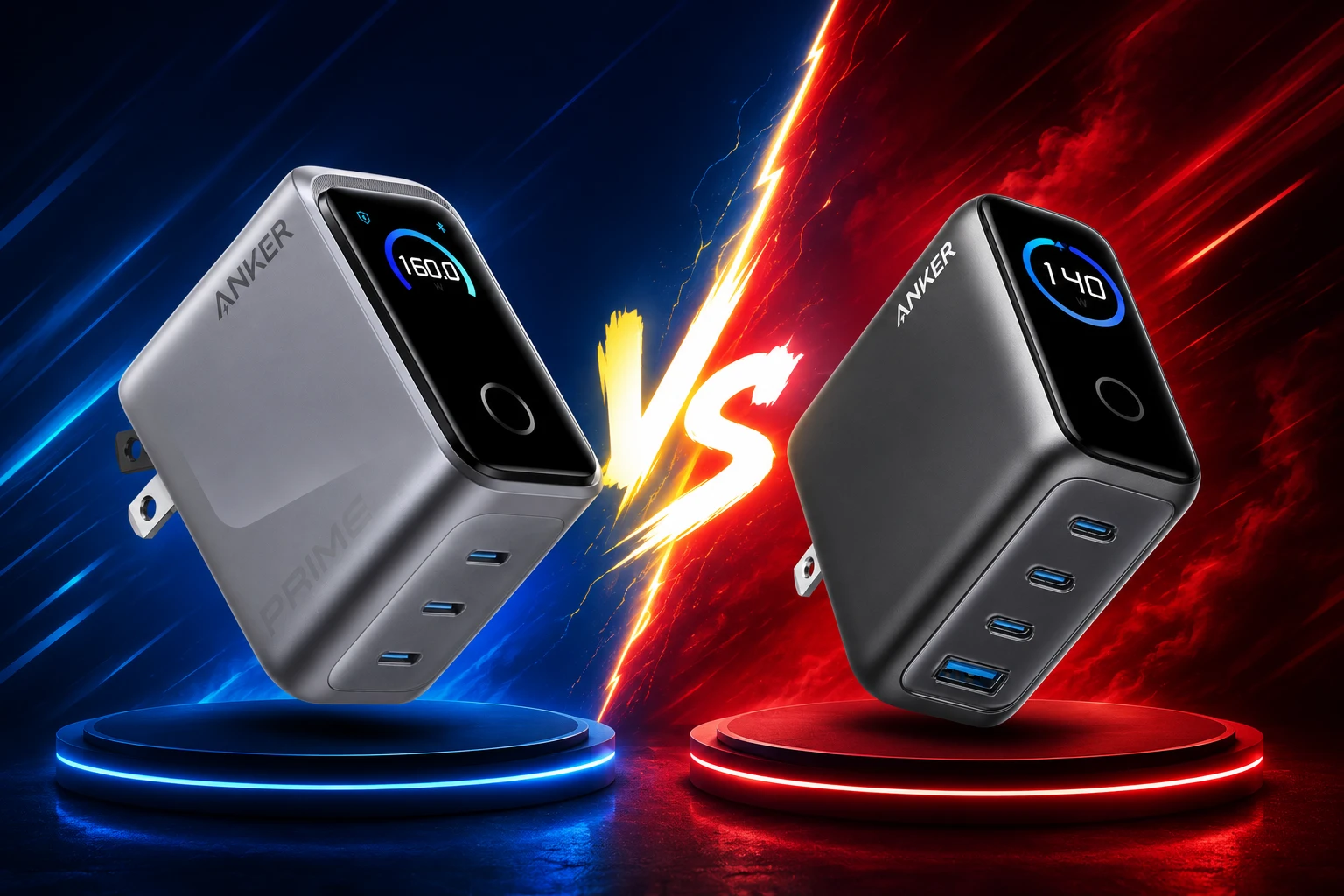
Anker Prime Charger vs Anker Charger: Which One Should You Actually Buy?
If portability is non-negotiable, get the Anker Prime Charger (160W). It’s designed for a bag, not a permanent spot on your wall, and the smart display gives you more control than you’d expect from something this small.
If you’re charging more devices at once and want to save some money, the Anker Charger (140W, 4-Port) is the smarter buy. You get an extra port, a cable in the box, and a lower price — you just trade away some of that pocketable size.
Either way, you’re getting proven GaN hardware and PD 3.1 fast charging, so there’s no real wrong answer in the Anker Prime Charger vs Anker Charger decision. It really comes down to how many devices you’re charging and how much you care about a smaller footprint. For more options, browse our full Chargers category.
Related & Honorable Mentions
Neither of these quite match what you need? Here are a few other GaN chargers worth a look — including a bigger desktop station and a couple of cheaper alternatives.
| Product | Details | Price | Buy Link |
|---|---|---|---|
| Anker Prime Charging station (200W, 6 Ports, GaN) | A desktop charging station rather than a wall plug. Six ports total, with two USB-C ports each hitting 100W — enough to charge two 14″ MacBook Pros to 50% in 28 minutes. Best if you’re powering an entire desk of gadgets from one spot. | ~$60–80 | Check Price on Amazon |
| UGREEN Nexode 100W GaN Charger (4-Port) | 3× USB-C + 1× USB-A, 100W total output. Takes a MacBook Pro 14″ to about 50% in 27–30 minutes. Compact and foldable — a solid budget alternative to Anker’s 4-port model. | ~$35–55 | Check Price on Amazon |
| UGREEN Nexode Pro 160W GaN Charger (5-Port, Smart Display) | UGREEN’s answer to the Anker Prime. Five ports (4× USB-C + 1× USB-A), a rotatable touch smart display, and 140W max single-port output. More ports than the Prime, at a noticeably lower launch price of $89.99. | ~$90–120 | Check Price on Amazon |
Frequently Asked Questions: Anker Prime Charger vs Anker Charger
Is the Anker Prime Charger worth the extra cost over the Anker 140W Charger? If size and premium smart features — the touch display, the Bluetooth app modes — genuinely matter to you, then yes, it’s worth it. But if you just want reliable fast charging for multiple devices without paying extra, the 140W 4-port model is the smarter value pick.
Can either charger fully charge a MacBook Pro? Yes. Both support up to 140W on a single port, which matches Apple’s own charging speeds for MacBook Pro models.
Does the Anker Charger (140W, 4-Port) include a cable? Yes — it ships with a 5-foot, 240W-rated USB-C to USB-C cable. The Anker Prime Charger typically doesn’t include one in standard listings, so factor that into the price comparison.
Which charger is more compact for travel? The Anker Prime Charger (160W, 3-Port) is significantly smaller — about the size of an AirPods Pro case — which makes it the clear choice for travel.
Do I need a special cable to hit full speed with either charger? Yes. Anything above 60W needs a cable that’s explicitly rated for that wattage, otherwise you’ll bottleneck your charging speed no matter which charger you buy. Our GaN, PD, and PPS Charging Explained guide covers this in more detail.
At TechMilkyWay, we break down complex tech so you can make smarter buying decisions. Browse our Gadgets & Accessories section and How-To Guides for more no-jargon consumer tech coverage.
TechMilkyWay — Navigating the Universe of Technology.
Quick Links: Home | Buying Guides | Reviews | Blog | Contact Us | Facebook
Disclosure: TechMilkyWay participates in the Amazon Services LLC Associates Program. Clicking our links and making a purchase may earn us a small commission at no extra cost to you. We only recommend products we genuinely believe in.
© 2026 TechMilkyWay — Navigate The Universe of Technology.
Best Amazfit Smartwatch in 2026: Top 7 Ranked for Every Budget