

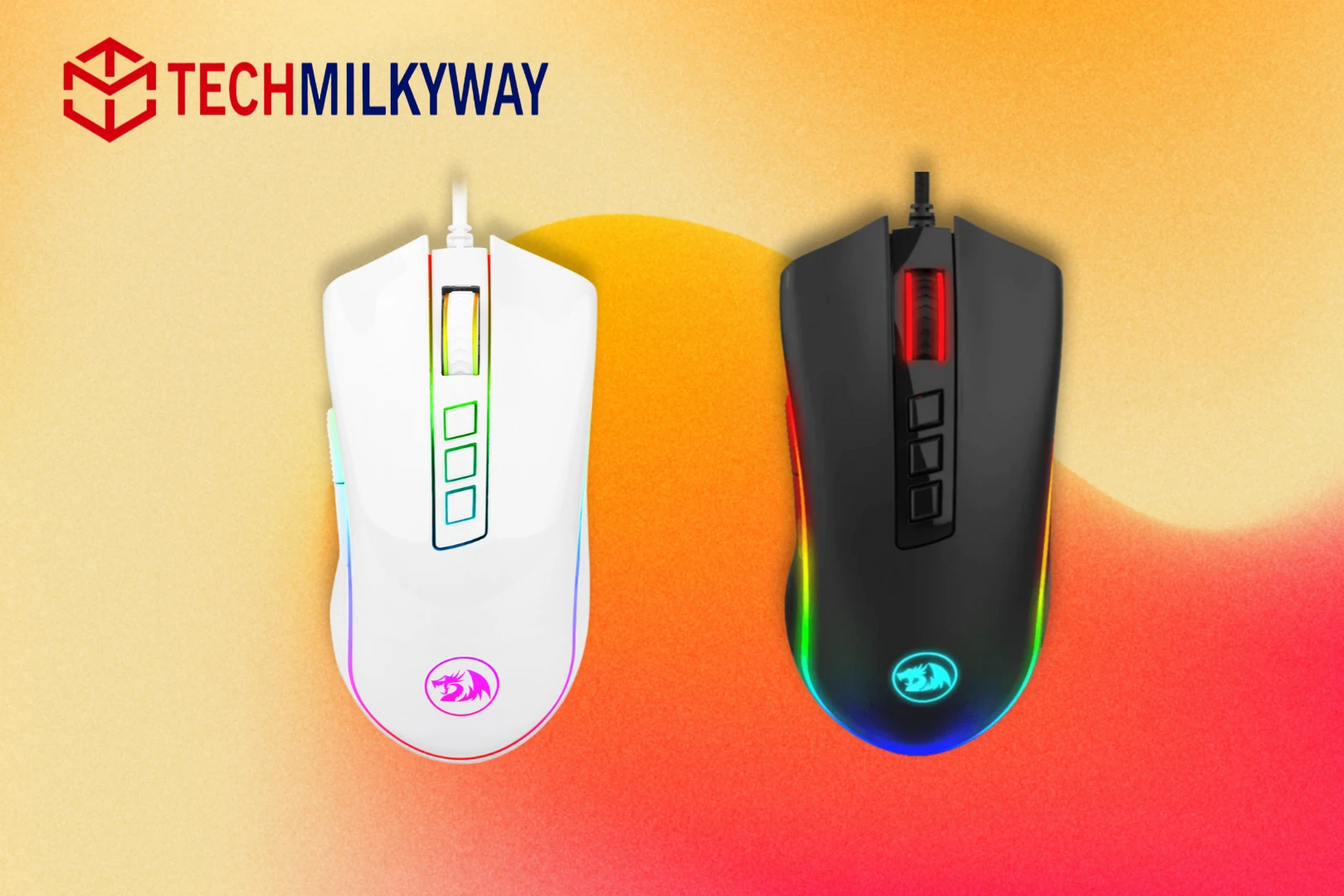
Quick Answer: The Redragon M711 Cobra is one of the best budget gaming mouse. At around $20, it delivers a solid sensor, 7 programmable buttons, vibrant RGB lighting, and a sturdy build that rivals mice costing two to three times the price. The cable is stiff and the software is clunky — but for the money, it is nearly unbeatable.
The Redragon M711 Cobra Review.
The Redragon M711 Cobra is a wired RGB optical gaming mouse priced at around $20 to $25. Redragon has been producing gaming peripherals since 2012 and is widely respected for delivering reliable hardware at budget-friendly prices.
This Redragon M711 Cobra review covers design, sensor performance, DPI, software, RGB, comfort, and who it is best suited for — so you can decide whether it is the right mouse for your setup.
Redragon M711 Cobra — Full Specs
| Spec | Details |
|---|---|
| Sensor | PixArt PMW3325 (standard) / PMW3360 (FPS variant) |
| DPI Range | 500 – 10,000 DPI (5 presets; ±100 fine adjustment) |
| Buttons | 9 total, 7 programmable |
| Polling Rate | 125 / 250 / 500 / 1000 Hz (switchable) |
| Acceleration | Up to 20G |
| RGB Lighting | 16.8 million colors, 7 effects |
| Connection | Wired USB 2.0 / 3.0 |
| Cable | Braided |
| Hand Orientation | Right-handed only |
| OS Support | Windows (full), Mac & Linux (basic) |
| Weight | ~130g |
| Price | ~$20–$25 |
Who Should Buy the Redragon M711 Cobra?
This mouse is built for budget-conscious buyers. If you are looking for the best budget gaming mouse in 2026, the M711 Cobra is one of the strongest options available. It is an excellent choice if you are:
- Setting up your first gaming PC
- Upgrading from a basic office mouse
- Looking for a capable wired mouse under $25
It is not ideal for serious competitive FPS players who need ultralight hardware, wireless connectivity, or premium sensor performance.
If you are building a full budget gaming setup, also check out our picks for the best budget laptops in 2026 and the best games to play right now in 2026.
Design and Build Quality
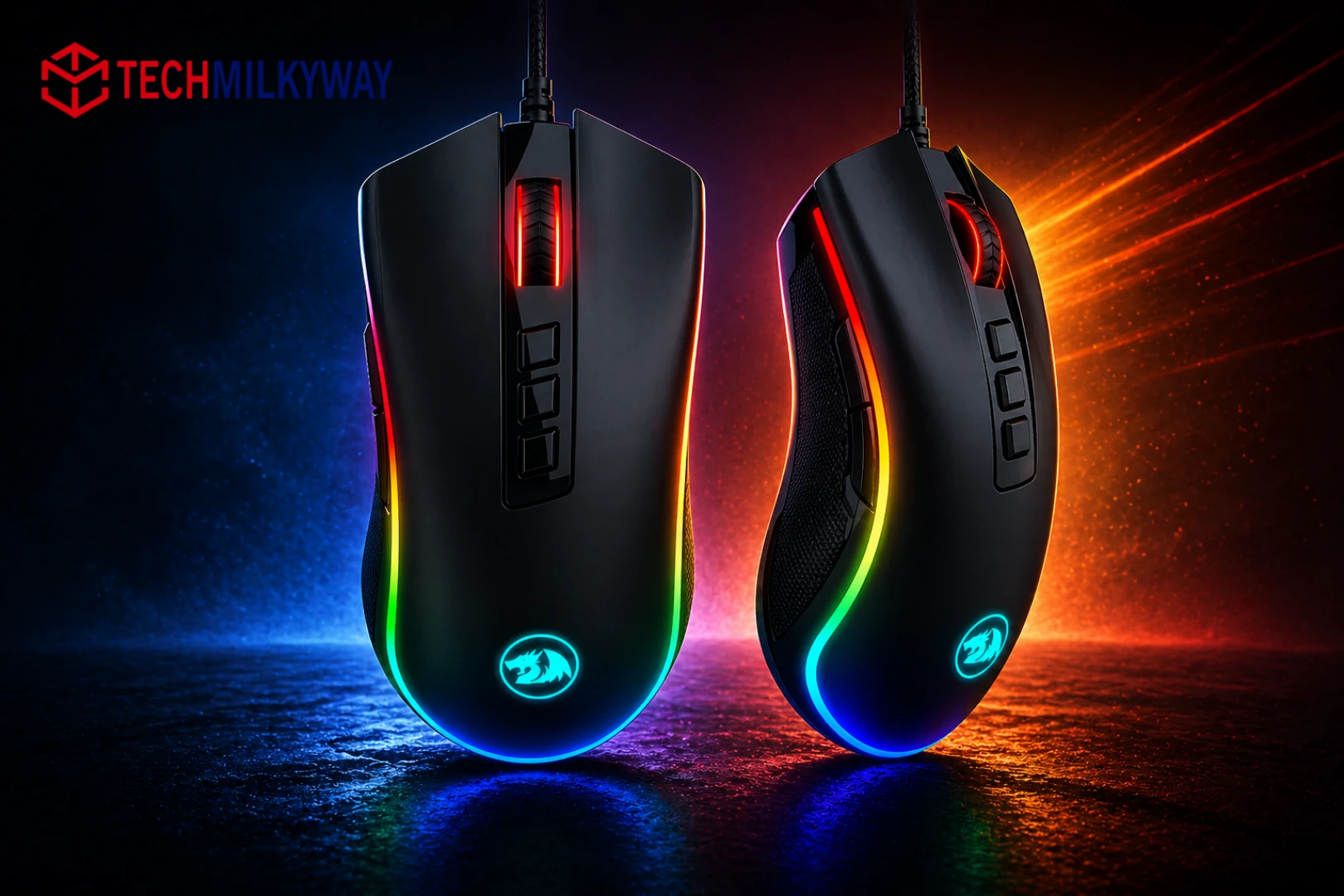
The Redragon M711 Cobra has a clean, straightforward look. There are no extreme angles or aggressive styling — just a sleek silhouette with the Redragon logo on the back and RGB lighting on the scroll wheel and side panels. It is a right-handed ergonomic design.
Build quality is a genuine surprise at this price point. The plastic shell feels solid with no wobble or flex, and the surface resists scratches well. One smart ergonomic detail: the two side buttons use different textures — one flat, one ridged — so you can tell them apart by feel without looking away from your screen.
The mouse feet glide smoothly on most desk surfaces. There is no weight adjustment system, but at around 130g the M711 Cobra feels balanced — light enough for fast movements, heavy enough to feel sturdy.
One weakness worth noting: the braided cable is stiff and prone to holding kinks. If cable drag affects your gameplay, this is something to be aware of before buying.
Sensor and Tracking Performance
Redragon offers two variants of this mouse with different sensors:
- Standard M711 — PixArt PMW3325, up to 10,000 DPI native
- M711-FPS — PixArt PMW3360, up to 12,000 DPI native, 250 IPS tracking speed
The PMW3360 in the FPS variant is the same sensor class found in mice costing $50 to $70. It is a strong performer for the price. Note that the “24,000 DPI” figure advertised on some listings is achieved through software interpolation — not native sensor output. For real-world gaming, stick to the 10,000 to 12,000 DPI native range.
Both variants support a switchable polling rate from 125Hz up to 1000Hz and up to 20G acceleration. For casual to mid-level gaming, either sensor performs accurately and reliably.
DPI Settings and Customization
The Redragon M711 Cobra ships with five DPI presets: 500, 1000, 2000, 3000, and 5000. You can switch between them on the fly using the dedicated DPI buttons on top of the mouse. Each DPI level is indicated by a different RGB color, so you always know your current sensitivity at a glance.
Using the Redragon software, you can:
- Fine-tune DPI in ±100 increments up to 10,000
- Remap all 7 programmable buttons
- Create macros and assign combo keys
- Save up to 5 onboard profiles, each with its own DPI, lighting, polling rate, and button layout
Software note: The software is functional but not smooth. Changing DPI requires you to edit the value, save the file, reload it, and confirm before the change takes effect. It is a one-time setup frustration rather than a daily problem, but it is worth knowing upfront.
RGB Lighting
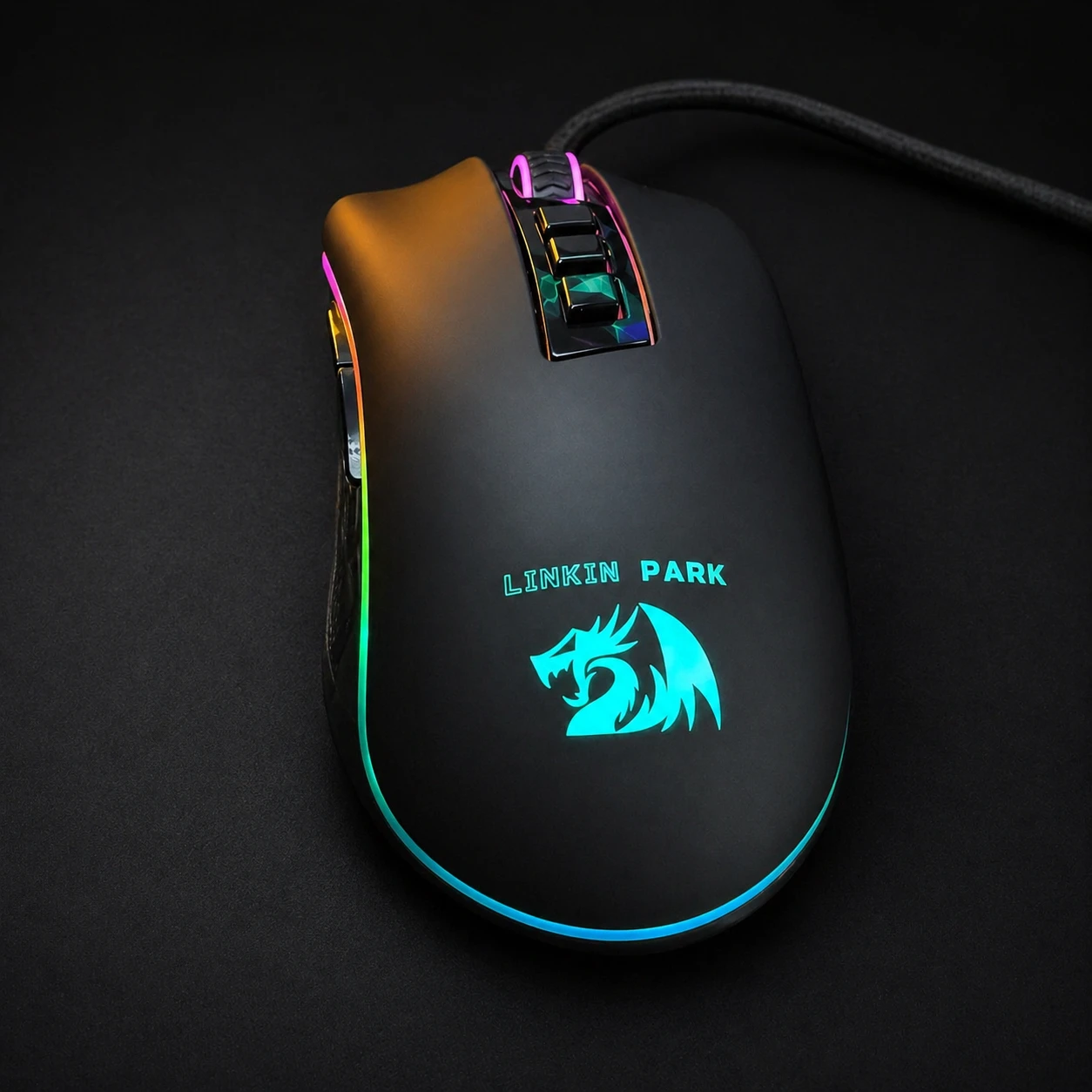
The Redragon M711 Cobra offers 7 RGB lighting effects: Breathing, Rainbow, Full Lit, Wave, Go Without Trace, Reactive, and Flash. The backlight supports 16.8 million colors and is bright enough to stand out in most room lighting conditions. You can also turn lighting off completely if you prefer a minimal setup.
For a $20 mouse, the RGB output is genuinely impressive. It pairs well with an RGB keyboard for a cohesive budget gaming desk look.
Comfort and Ergonomics
The M711 Cobra suits right-handed palm and claw grip users best. Medium to large hands get the most comfortable fit. The full-sized body supports your palm naturally during long gaming sessions, and most users report no fatigue after extended use.
All 7 programmable buttons are reachable without shifting your grip. The scroll wheel has a satisfying tactile notch that gives precise, accurate scrolling feedback.
Compatibility
The Redragon M711 Cobra is plug-and-play on Windows, Mac, and Linux via USB. However, full programmability — button remapping, DPI profiles, macros, and RGB customization — is only available through the Windows software. Mac users get basic functionality only. If you are primarily on Mac, this is a real limitation to consider.
Redragon M711 Cobra — Pros and Cons
Pros
- Outstanding value at ~$20
- Solid, rattle-free build quality
- Accurate sensor (especially the PMW3360 FPS variant)
- 7 programmable buttons and 5 onboard profiles
- Bright RGB with 7 lighting effects
- Plug-and-play on Windows, Mac, and Linux
Cons
- Stiff, kinky braided cable
- Clunky DPI change process in software
- Right-handed only — no ambidextrous option
- Mac users lose all software features
- No weight adjustment system
Should You Buy the Redragon M711 Cobra?
Yes — if you are on a tight budget, the Redragon M711 Cobra is one of the smartest buys in gaming peripherals right now. It earns its place as one of the best budget gaming mice in 2026 thanks to its build quality, sensor performance, and customization options — all of which exceed what you would expect at this price.
It is not the right choice for competitive FPS players who need wireless freedom or an ultralight body. But for casual gamers, new PC builders, and anyone who wants a reliable, feature-rich wired mouse without spending $50 or more, the M711 Cobra delivers.
🛒 Buy the Redragon M711 Cobra
| Variant | Amazon | Official Store |
|---|---|---|
| M711 Cobra Standard | → Buy on Amazon | → Buy on Redragon |
| M711-FPS (PMW3360) | → Buy on Amazon | → Buy on Redragon |
| M711 Cobra (Open Box) | — | → Buy on Redragon |
(Amazon links are affiliate links that support TechMilkyWay at no extra cost to you)
Related Articles on TechMilkyWay
- Best Budget Laptops in 2026 — Complete your budget gaming setup
- Best Games to Play in 2026 Right Now — What to play with your new mouse
- PIVA G71 7-in-1 USB-C Hub Review — Expand your PC setup on a budget
- The Ultimate Wireless Headphones Buying Guide 2026 — Pair your mouse with great audio
- Valve’s Steam Machine & Controller Full Details — The future of PC gaming hardware
Quick Links: Home | Gaming | Reviews | Blog | Contact Us | Facebook
Disclosure: TechMilkyWay is reader-supported. When you buy through links on our site, we may earn an affiliate commission at no extra cost to you. This does not affect our editorial independence or review scores. Read our full Affiliate Disclaimer and Disclaimer.
© Copyright 2026 Techmilkyway, All Rights Reserved.